Query Data with Athena
Query Data with Athena
Access AWS Management Console
- Find Athena
- Select Athena
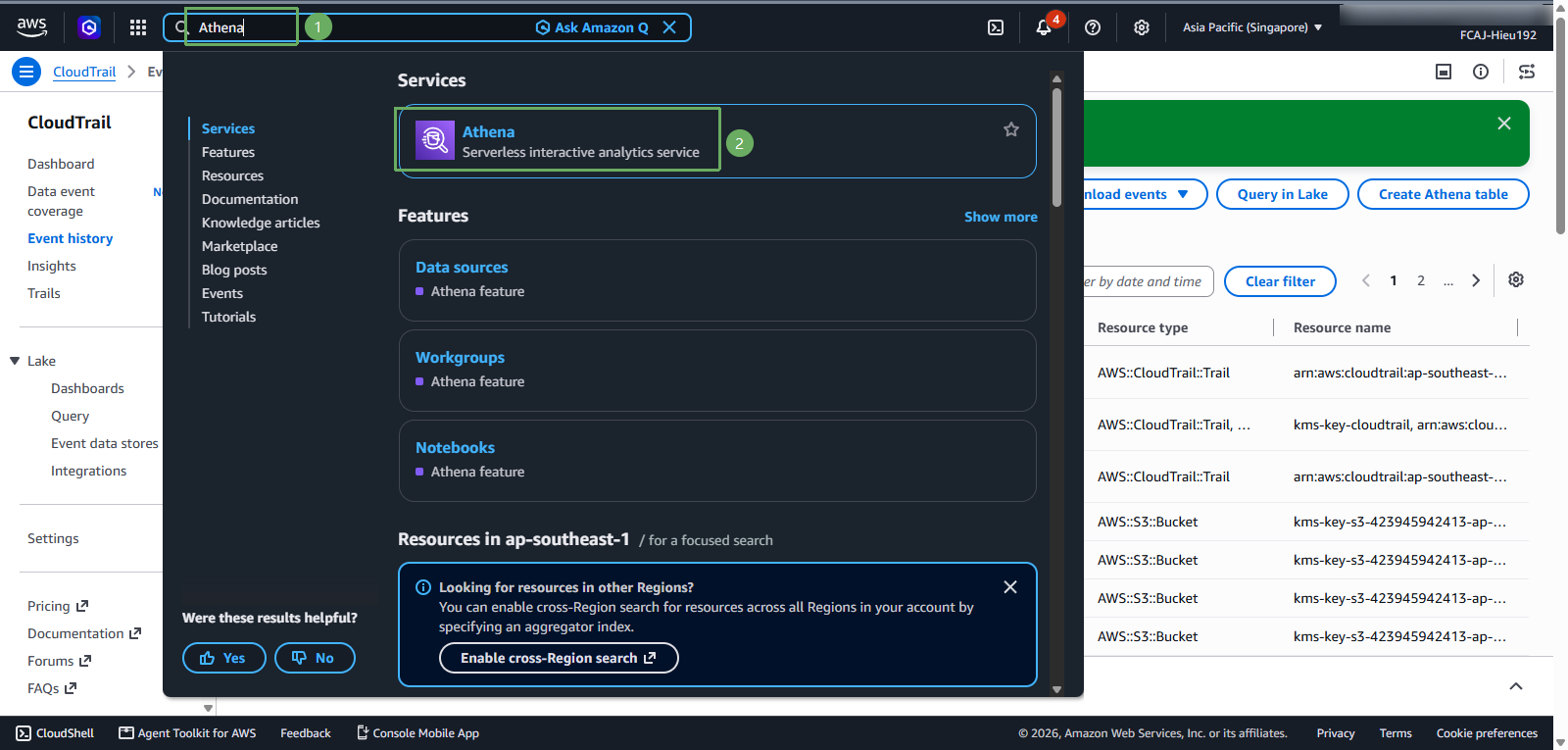
In the Athena interface
- Select Query editor
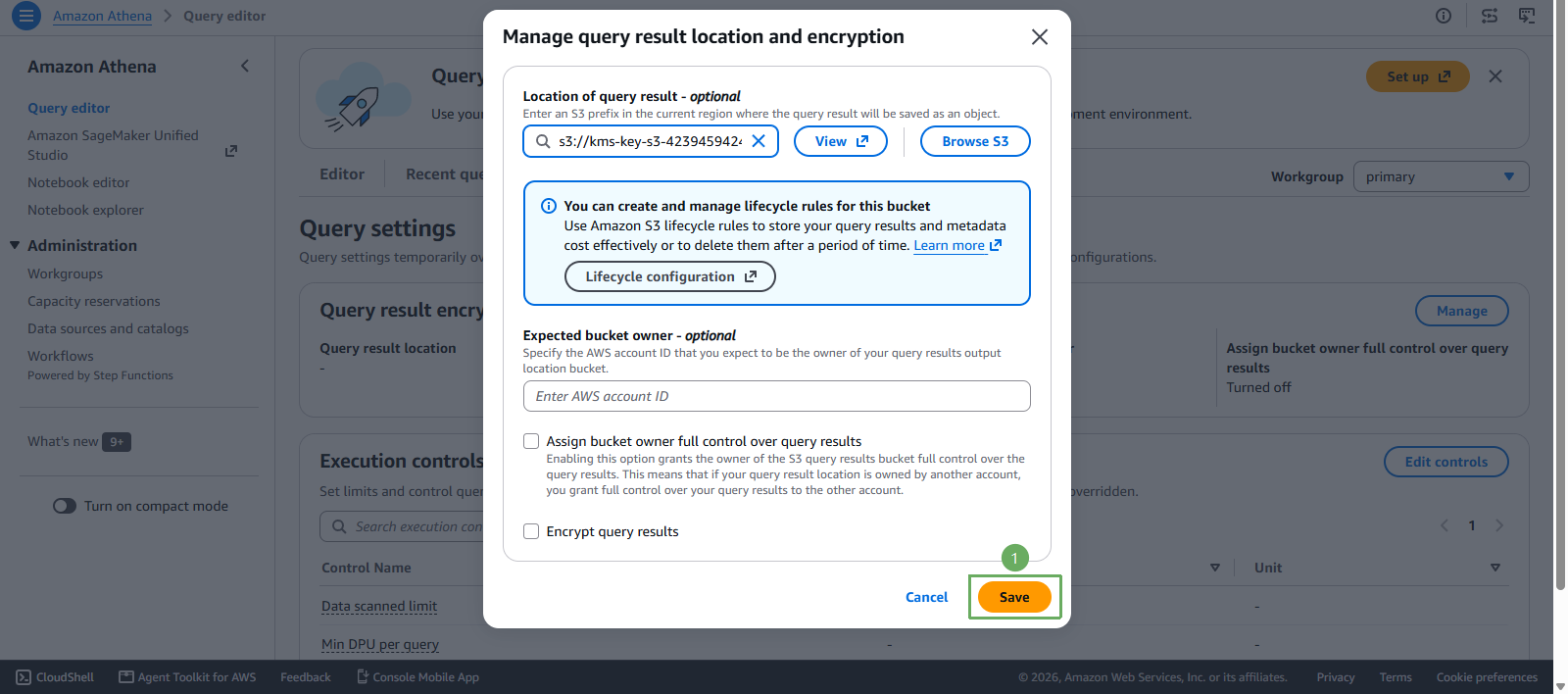
- In Query settings, select Manage
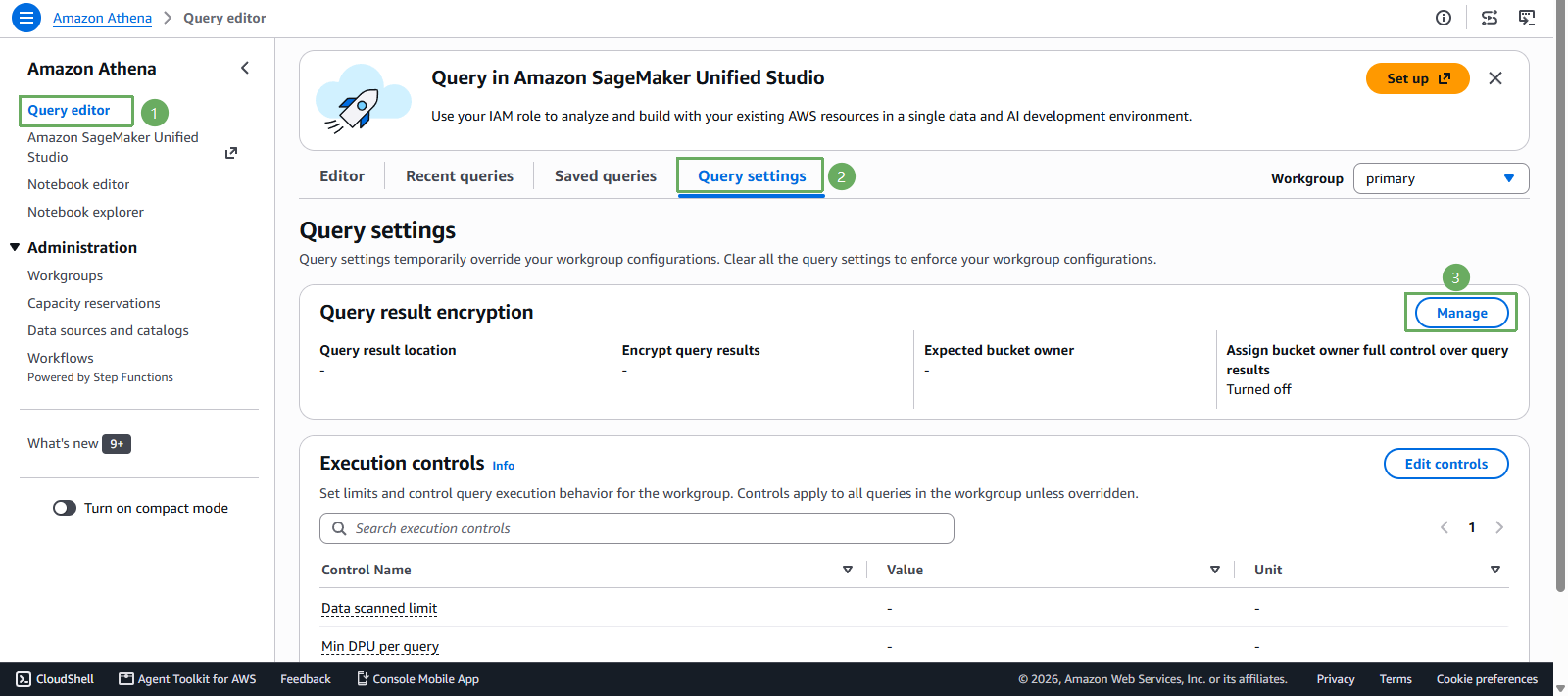
In the Manage query result location and encryption section
- Select Browse S3
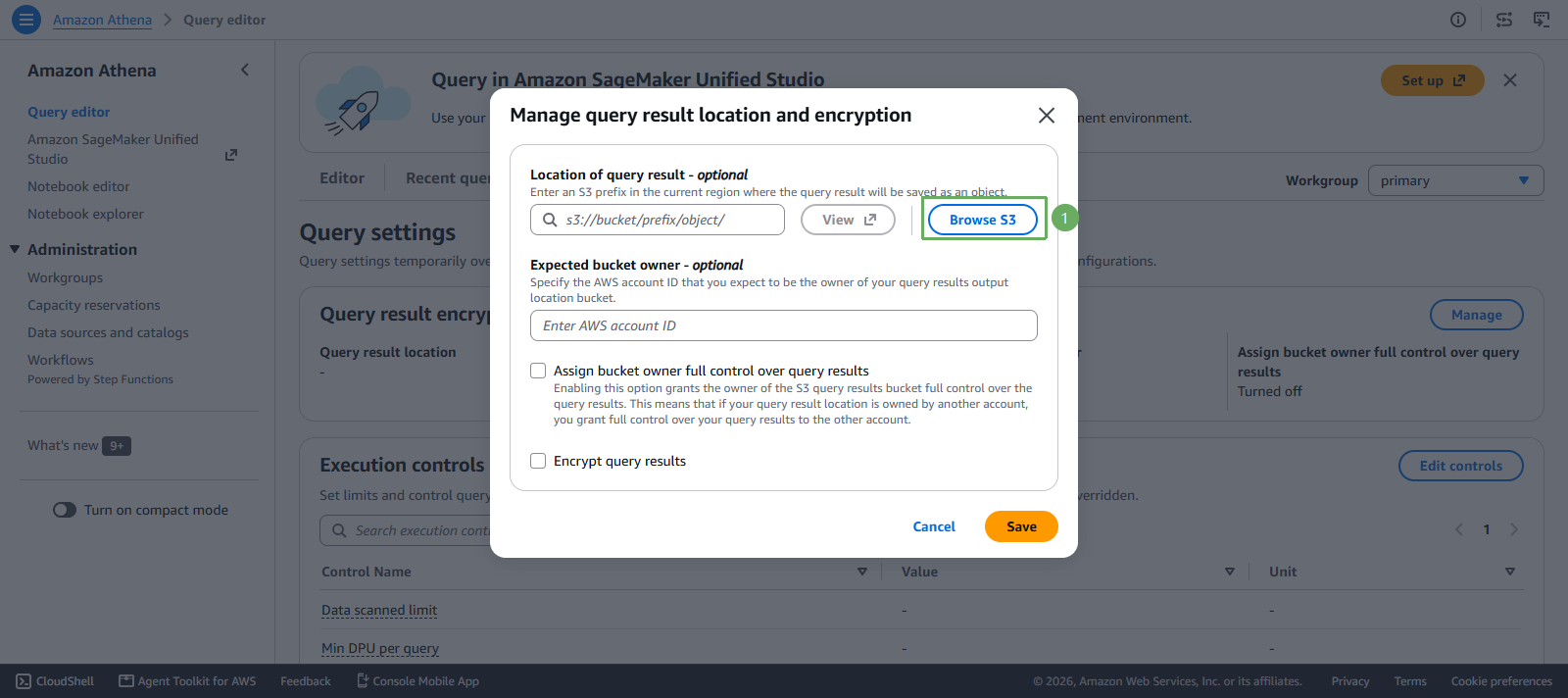
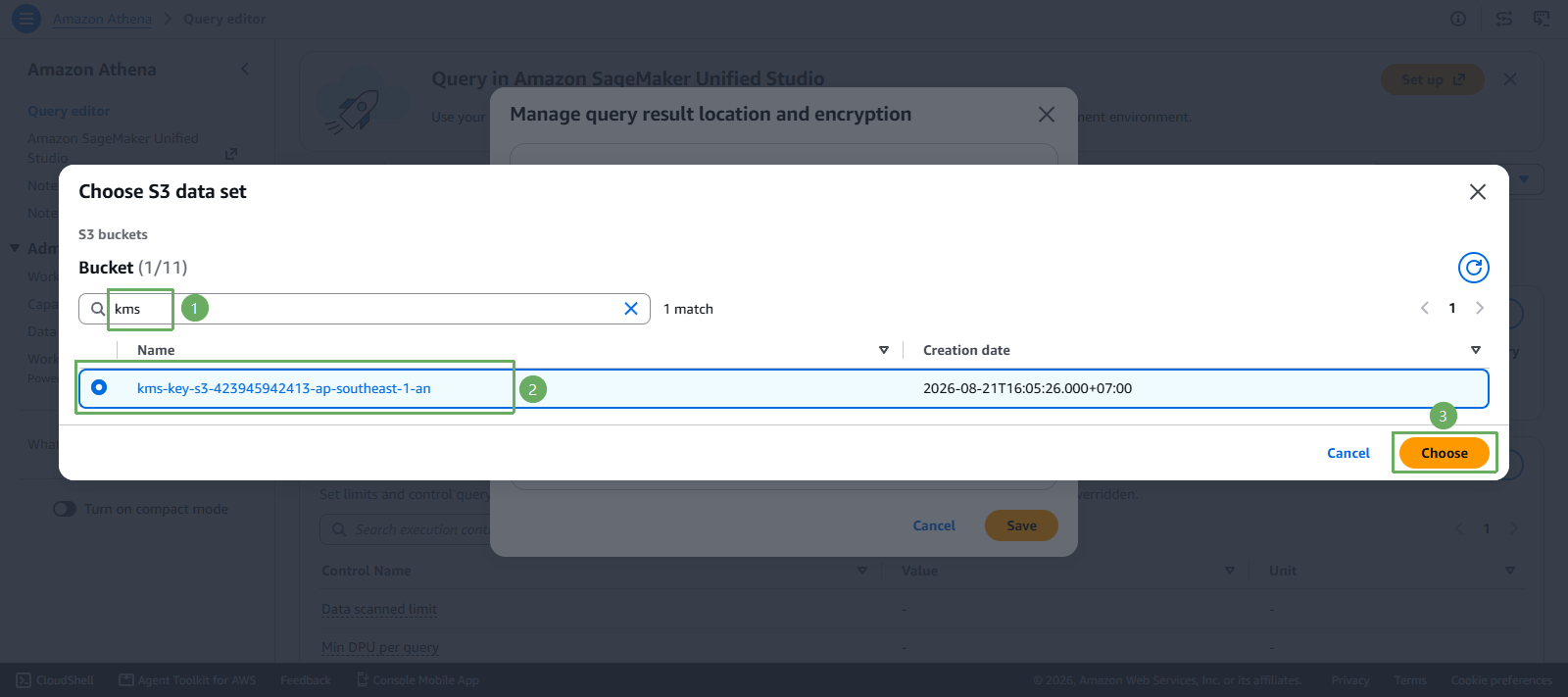
Next step
- Select
kms-key-s3-<account-id>-<region>-an - Press Choose
- Select
- Confirm the query result location is
s3://kms-key-s3-<account-id>-<region>-an/, then press Save
Go back to the Query editor section
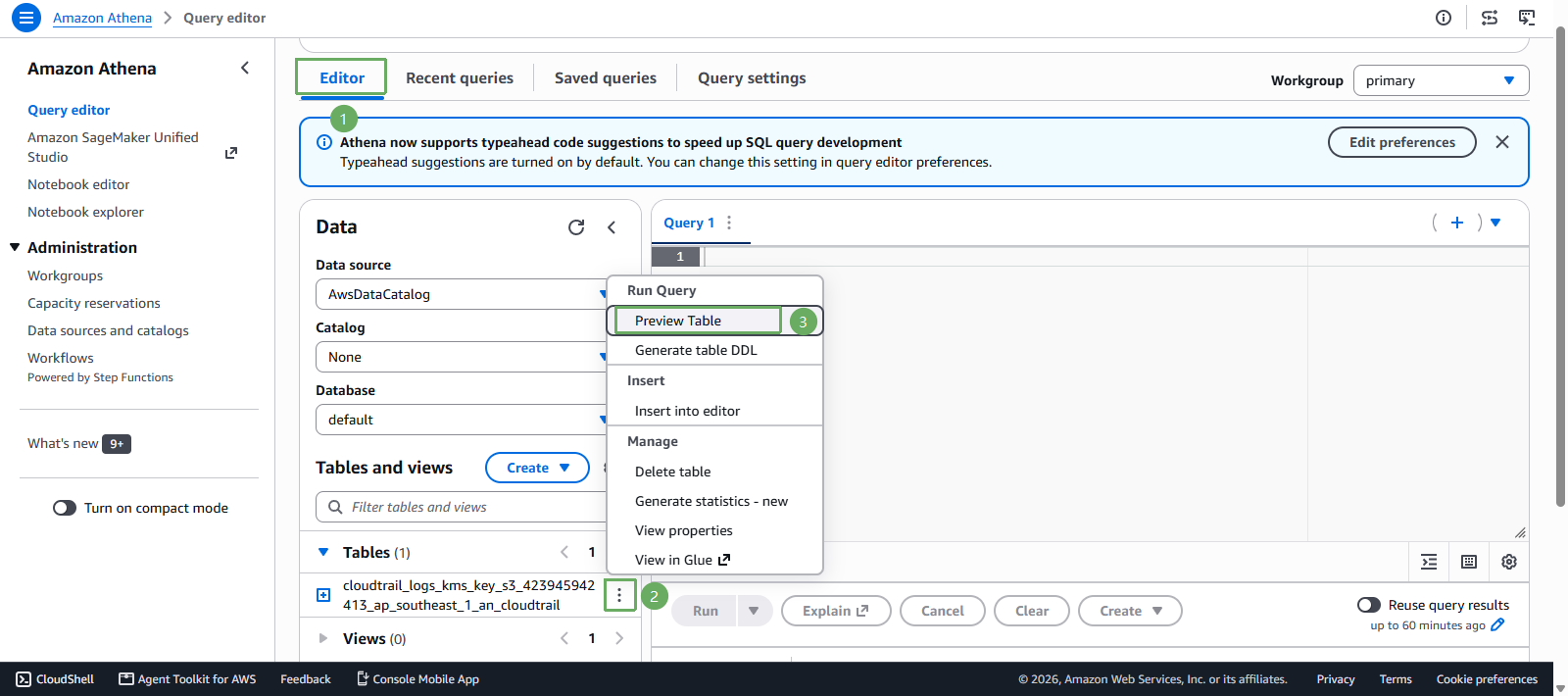
- Select Editor
- In the CloudTrail table created from your bucket, select the 3 dots (for example
cloudtrail_logs_kms_key_s3_<account-id>_<aws_region>_an_cloudtrail) - Select Preview table
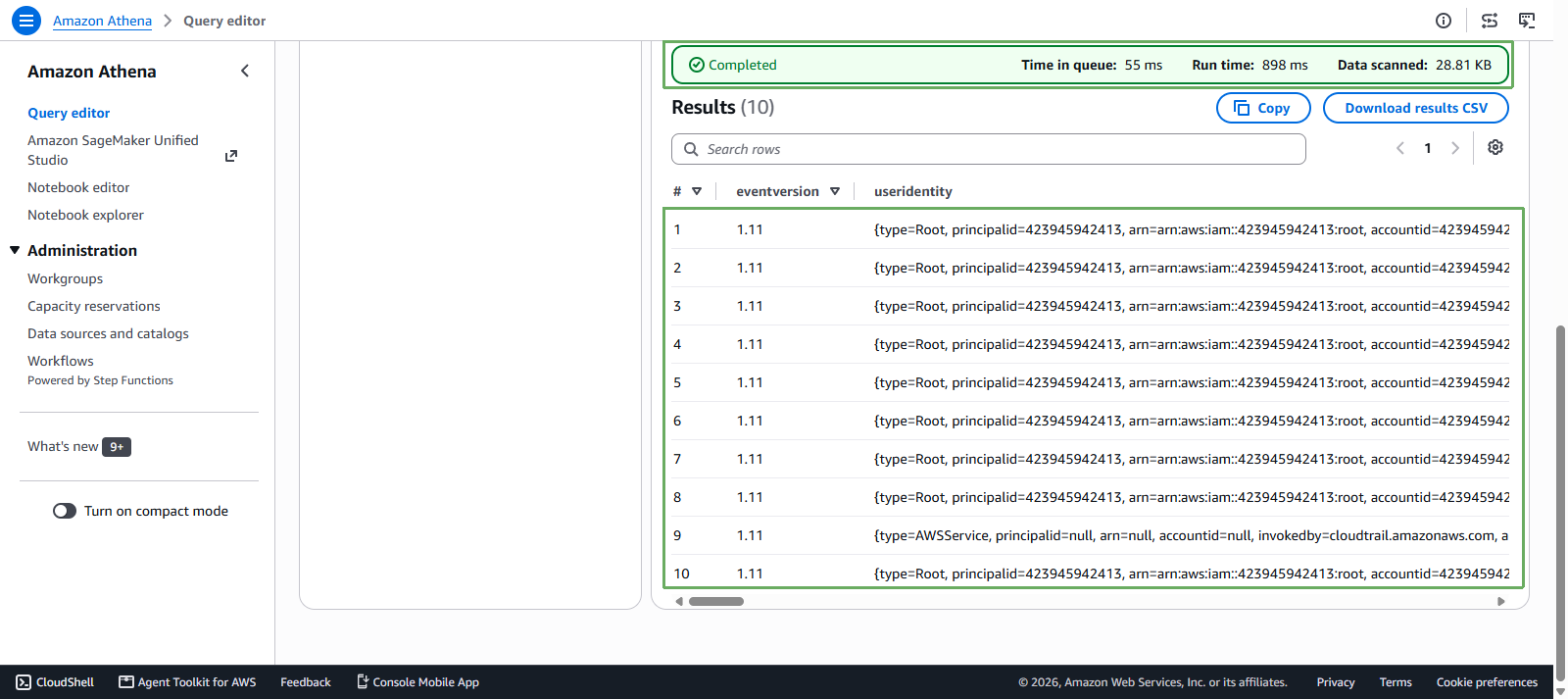
- Scroll down below and you will see that the logs have appeared
Try querying the eventname of the
kms-key-s3-<account-id>-<region>-anlog- Enter the following query in the query editor
SELECT eventname FROM "default"."cloudtrail_logs_kms_key_s3_<account-id>_<aws_region>_an_cloudtrail" LIMIT 100; - Then press Run to execute the query
- Enter the following query in the query editor
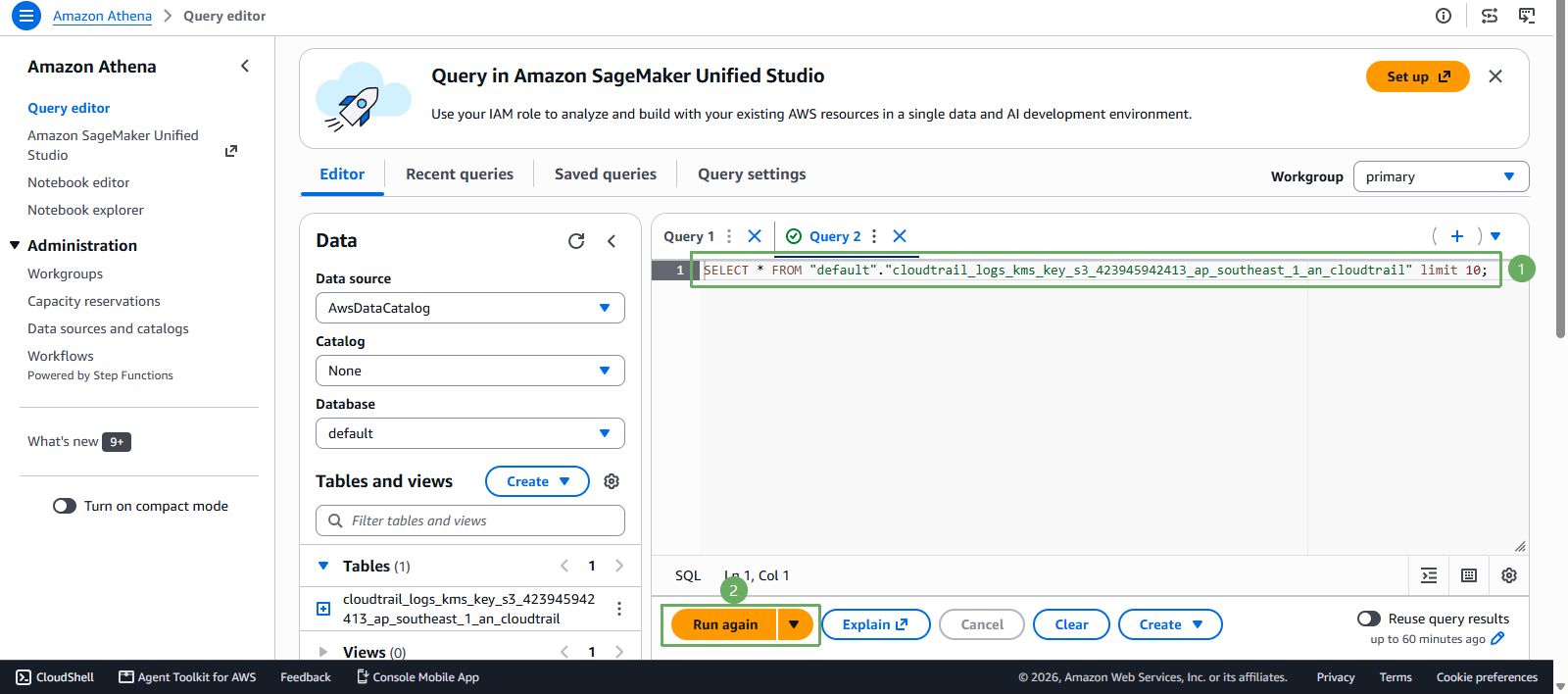
- Scroll down and you will see that eventname has been queried successfully
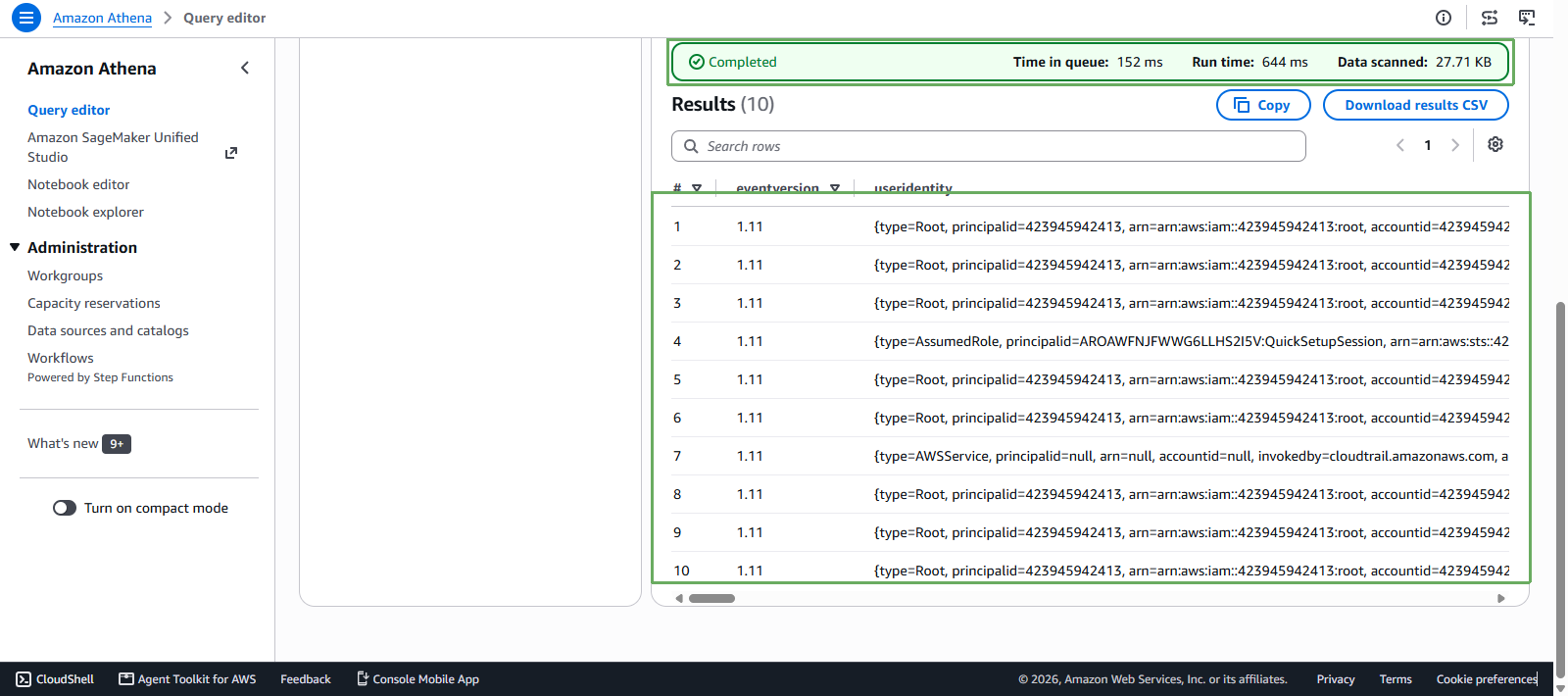
The above is an example of querying data. You can query anything you need in Query results.