Create Amazon Athena
Create Amazon Athena
Access AWS Management Console
- Find CloudTrail
- Select CloudTrail
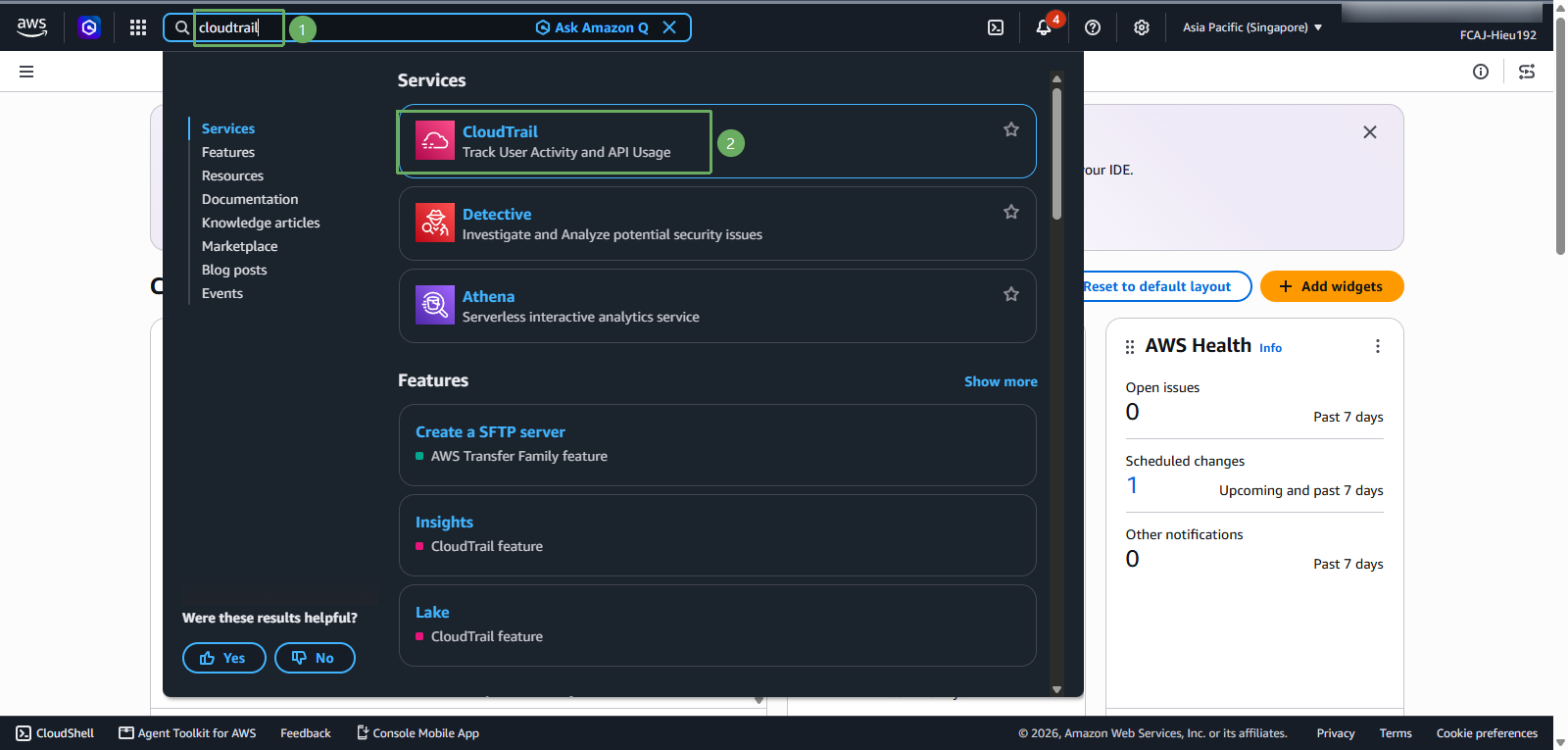
In the CloudTrail interface
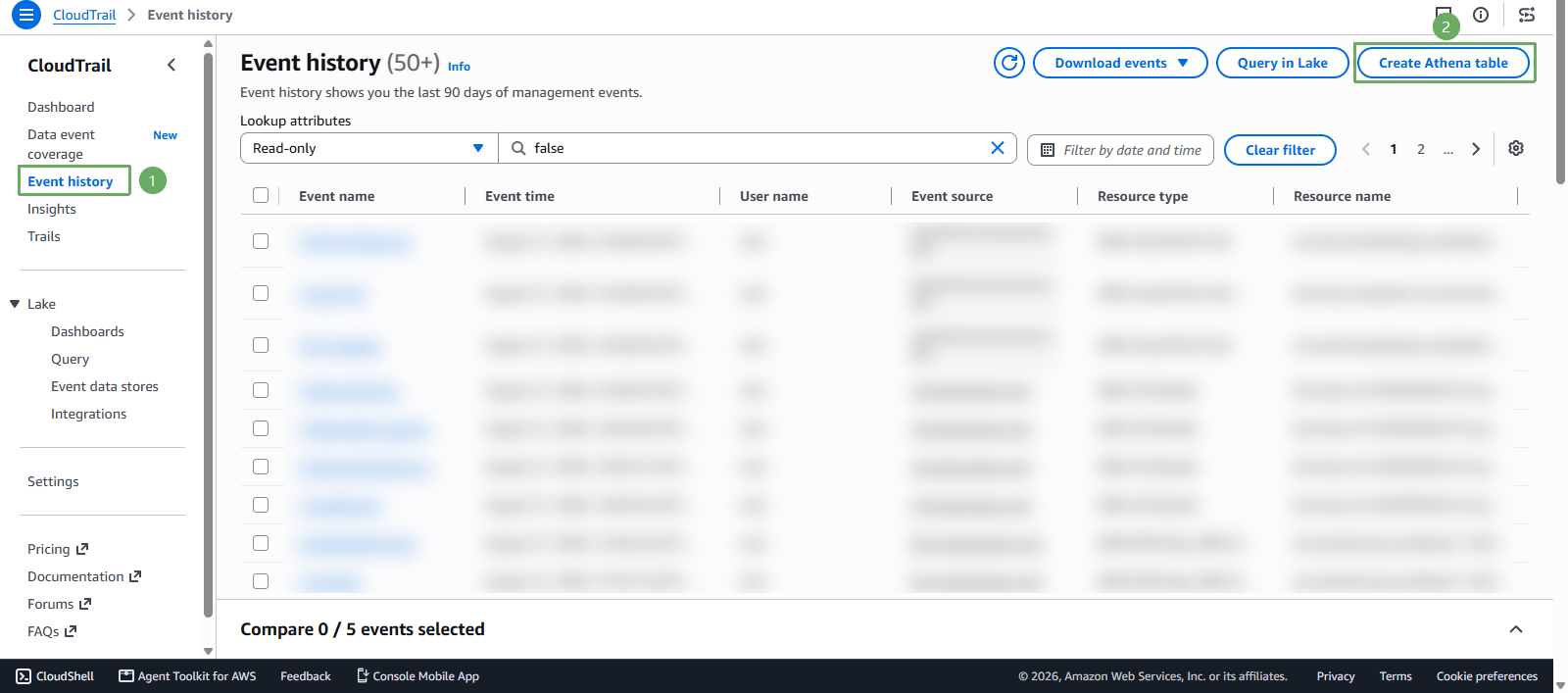
- Select Event history
- Select Create Athena table
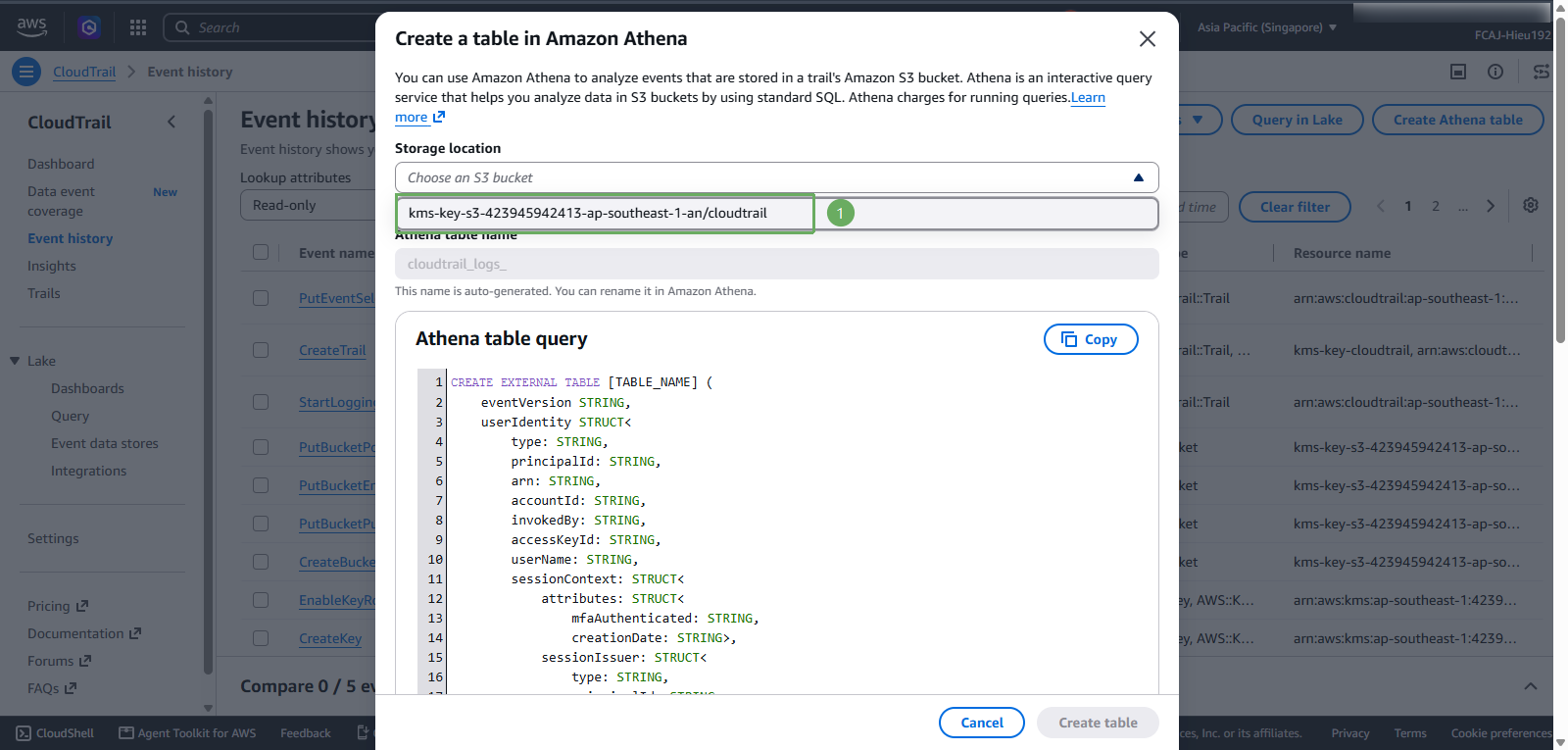
In the Create a table in Amazon Athena section
- Storage location select
kms-key-s3-<account-id>-<region>-an/cloudtrail
- Storage location select
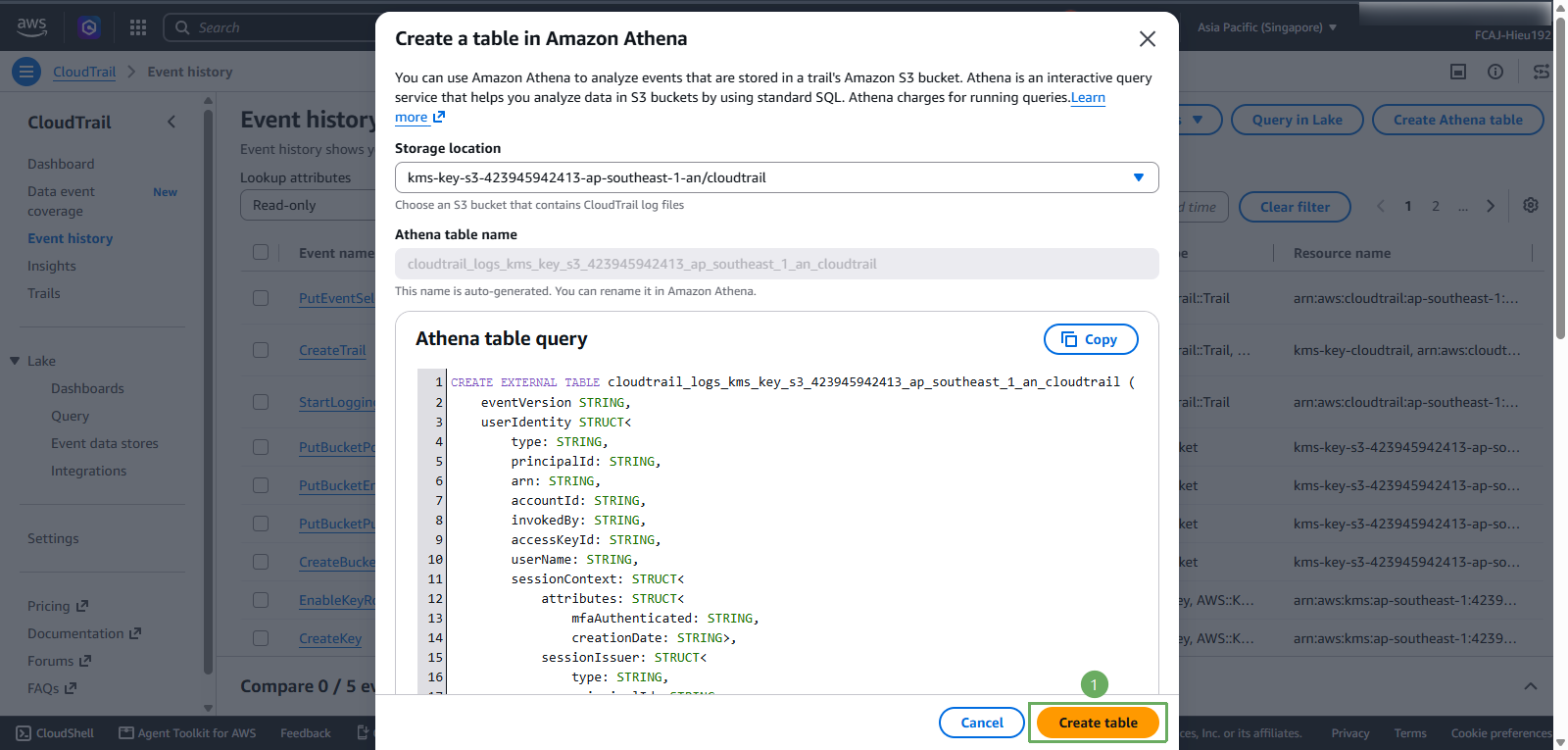
Next step
- Select Create table
- Notification of successful creation
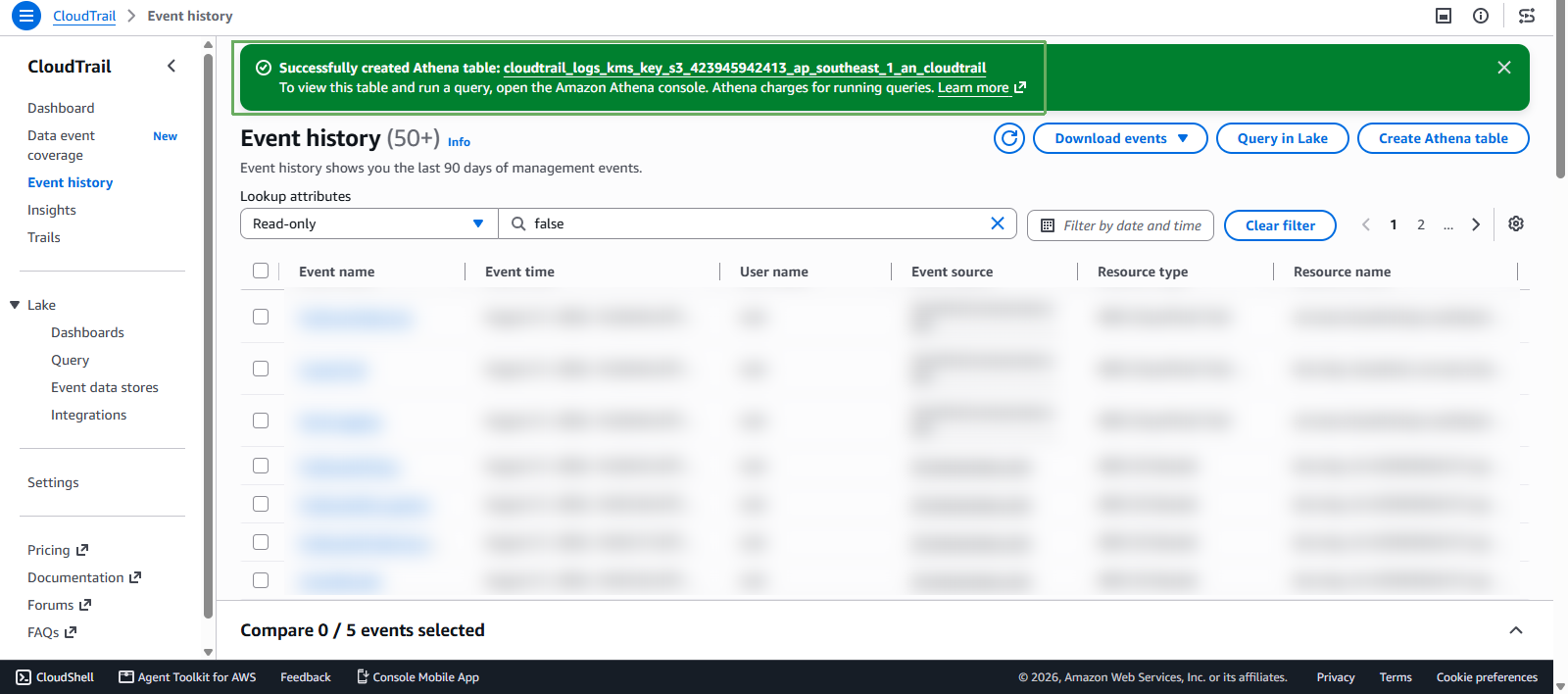
Athena creates the table name automatically. In this workshop, it may look like cloudtrail_logs_kms_key_s3_<account-id>_<region>_an_cloudtrail.