Create CloudTrail
Create CloudTrail
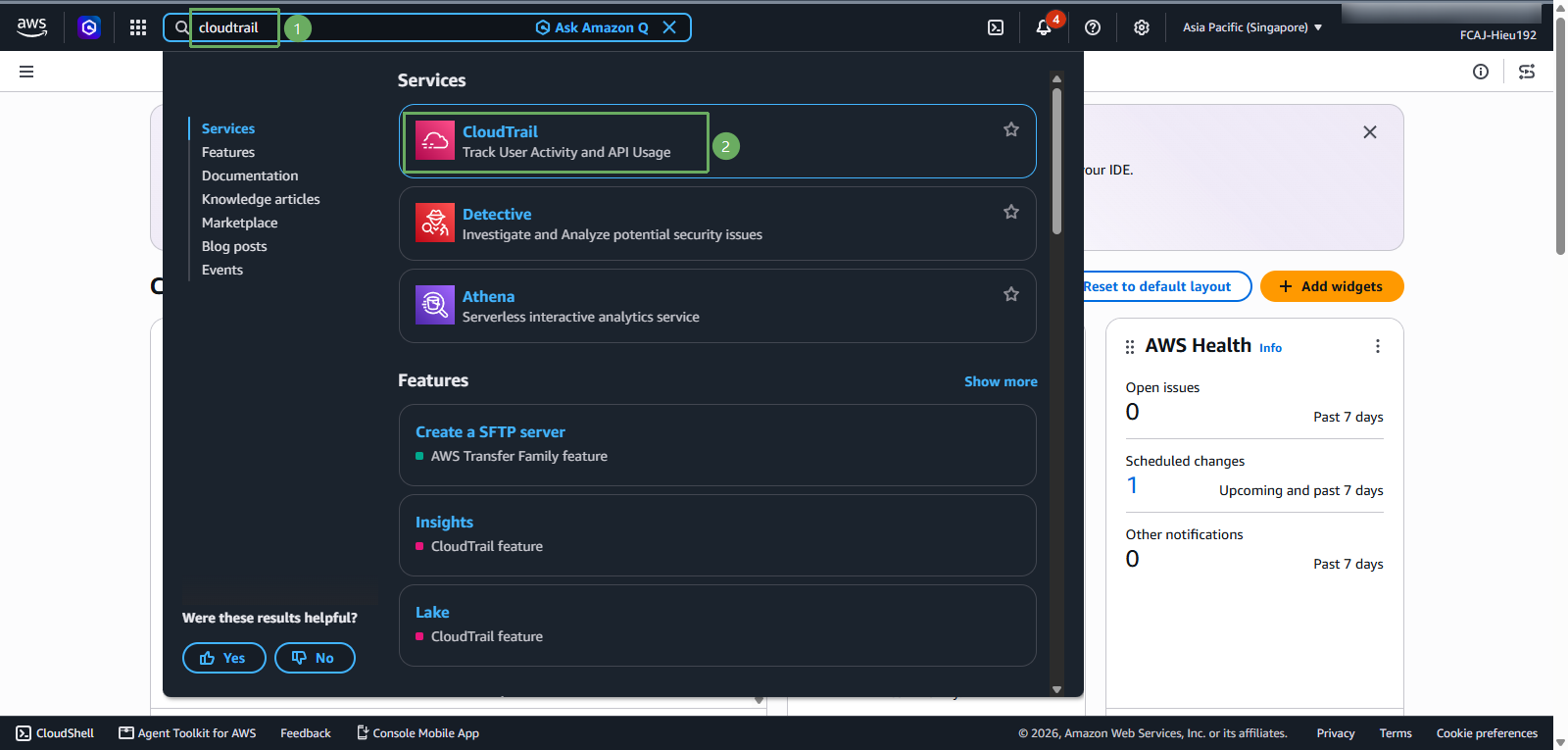
Access AWS Management Console
- Find CloudTrail
- Select CloudTrail
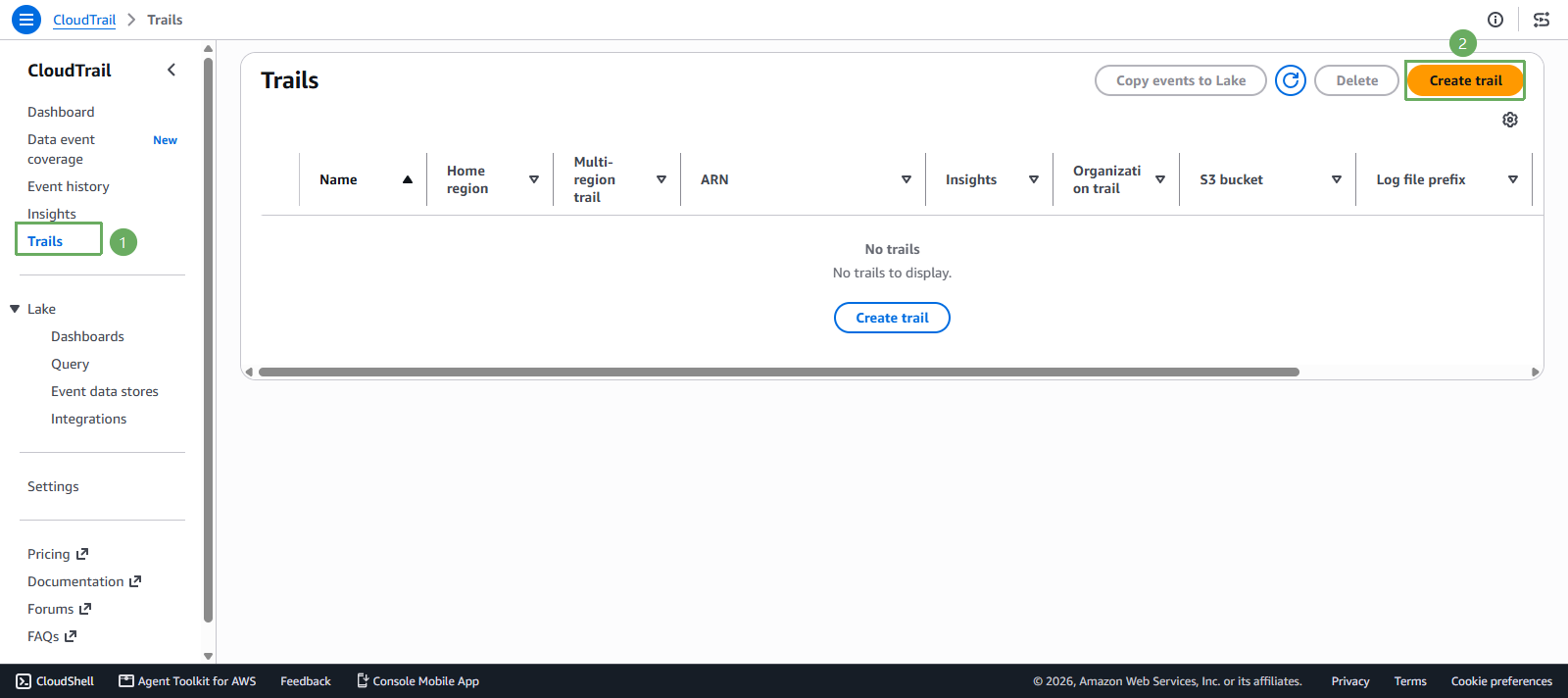
In the CloudTrail interface
- Select Trails
- Select Create trail
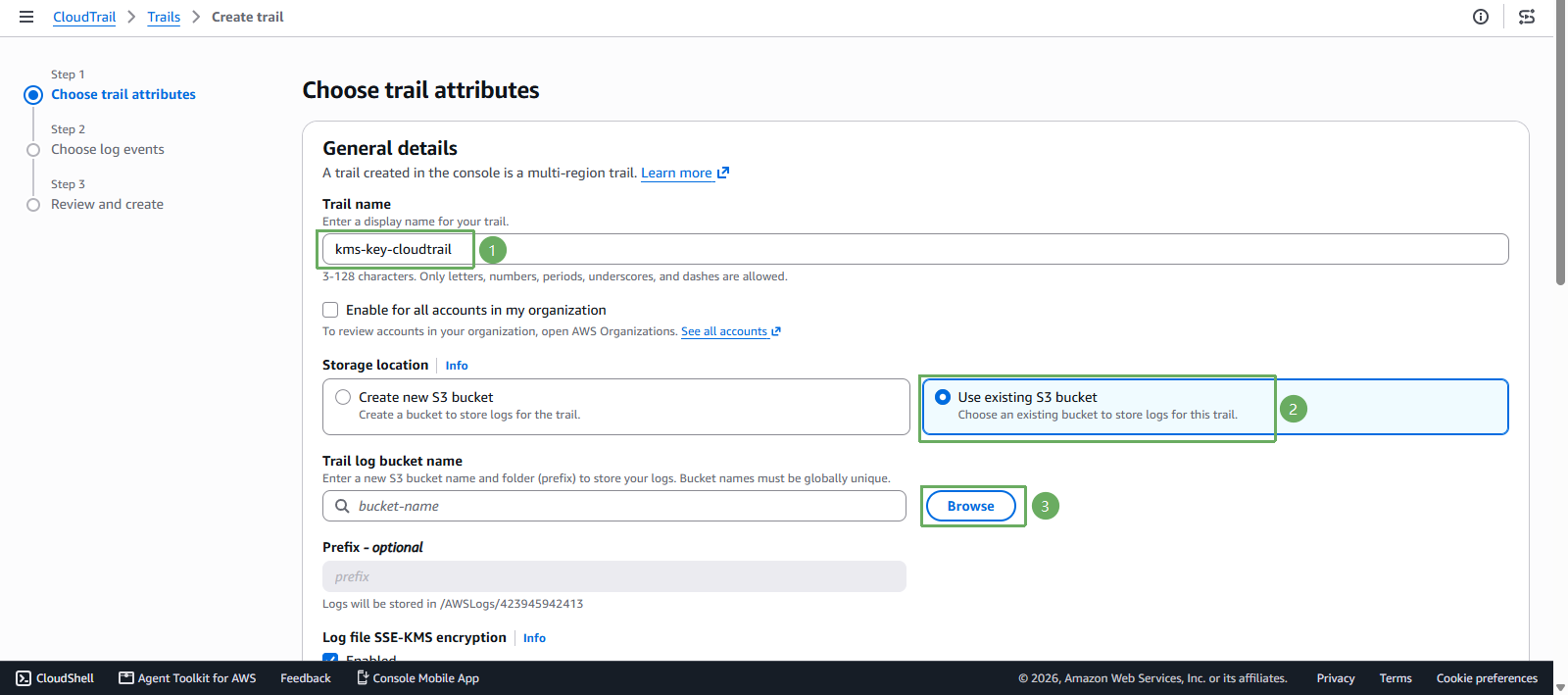
- In the Choose trail attributes section
You can choose a different name if you like!
- Trail name enter
kms-key-cloudtrail - Storage location select Use existing S3 bucket
- Select Browse
- Trail name enter
Next step
- Select
kms-key-s3-<account-id>-<region>-an - Press Choose
- Select
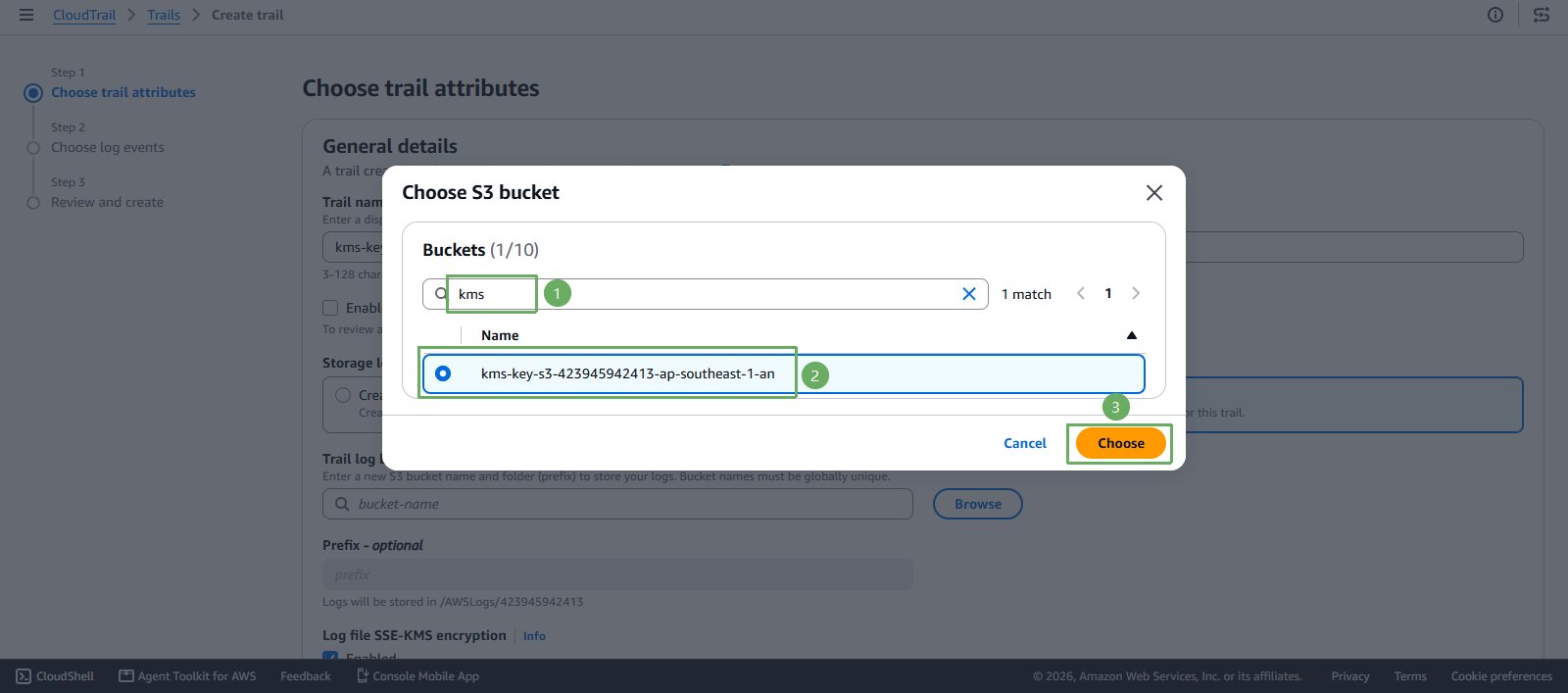
- In the Prefix - optional section
You can choose a different name if you like!
- Enter
cloudtrail - Keep Log file SSE-KMS encryption disabled for this lab
- Keep the default additional settings
- Enter
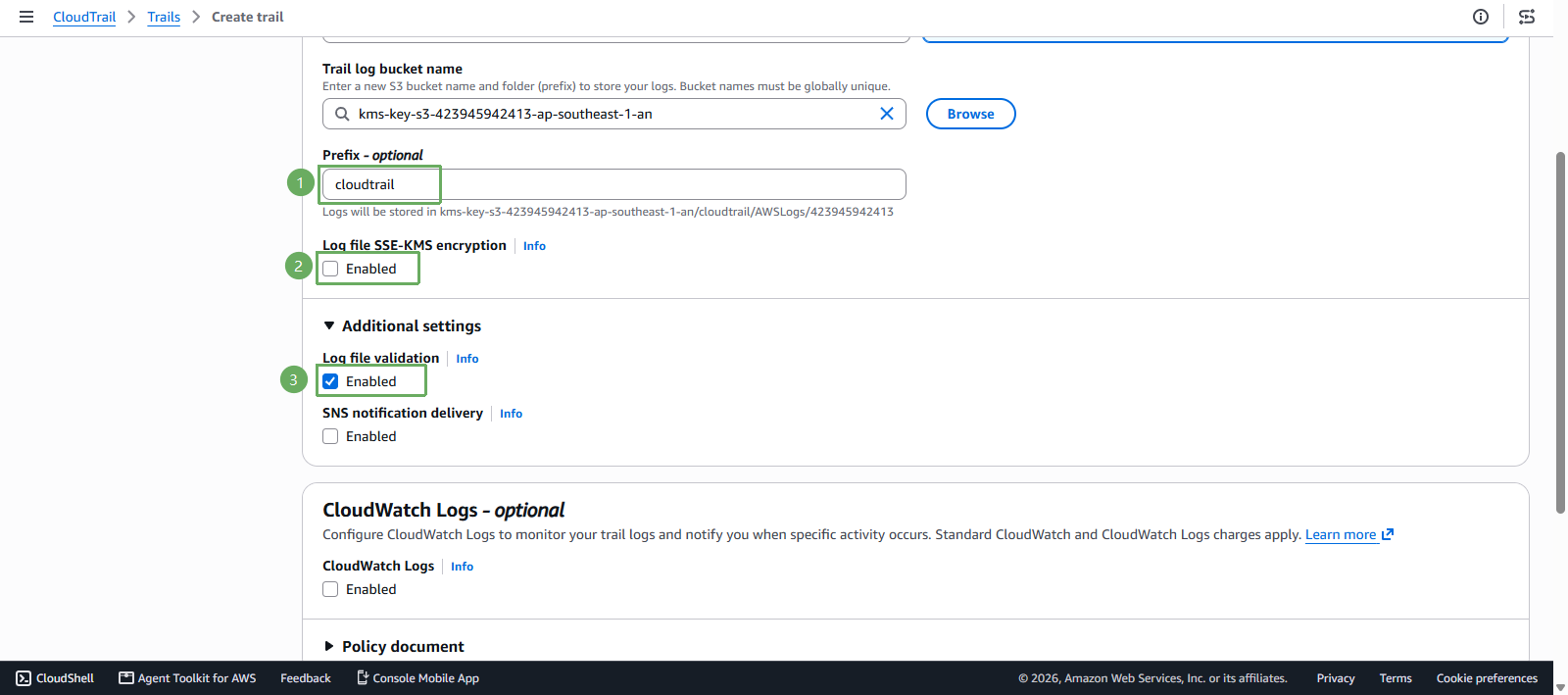
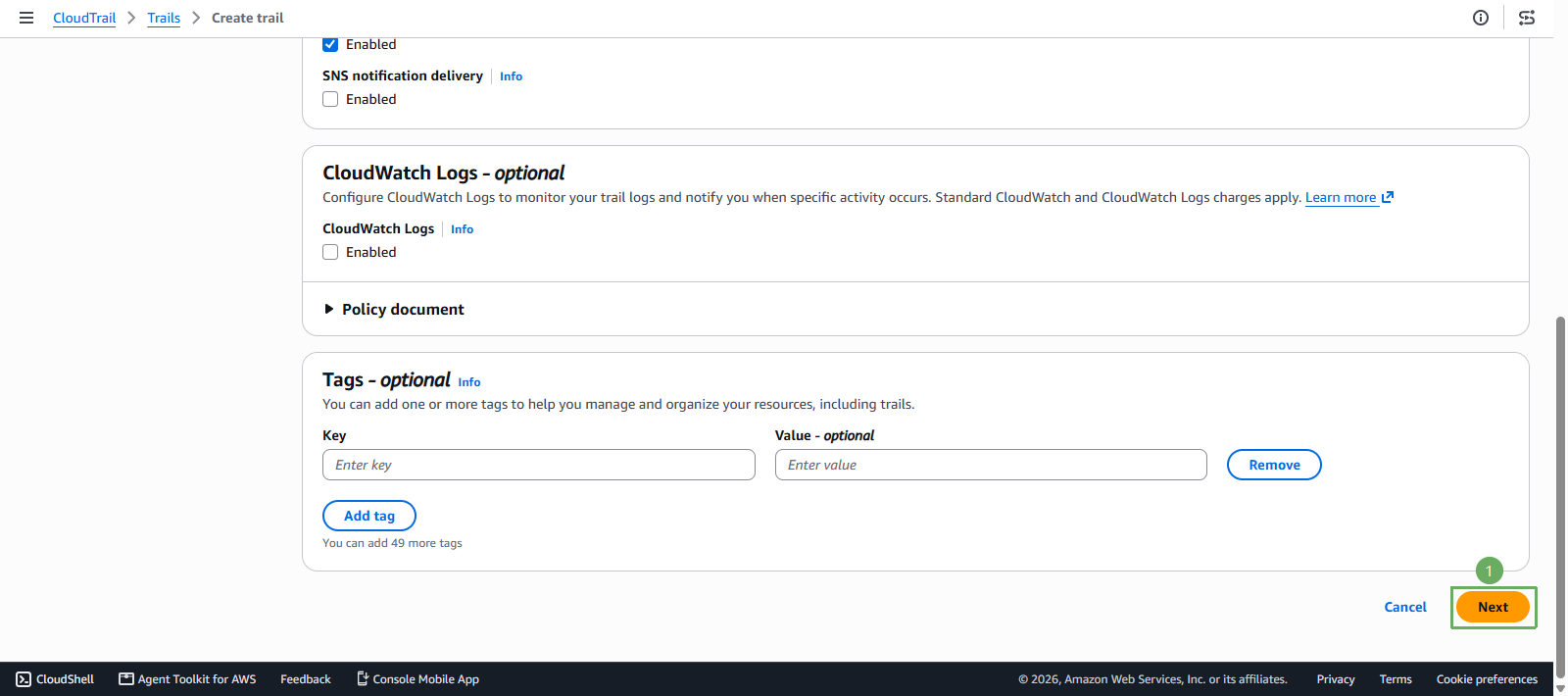
- Scroll down to the section and press Next
In the Choose log events section
- In Event type, select Management events
- Select Data events
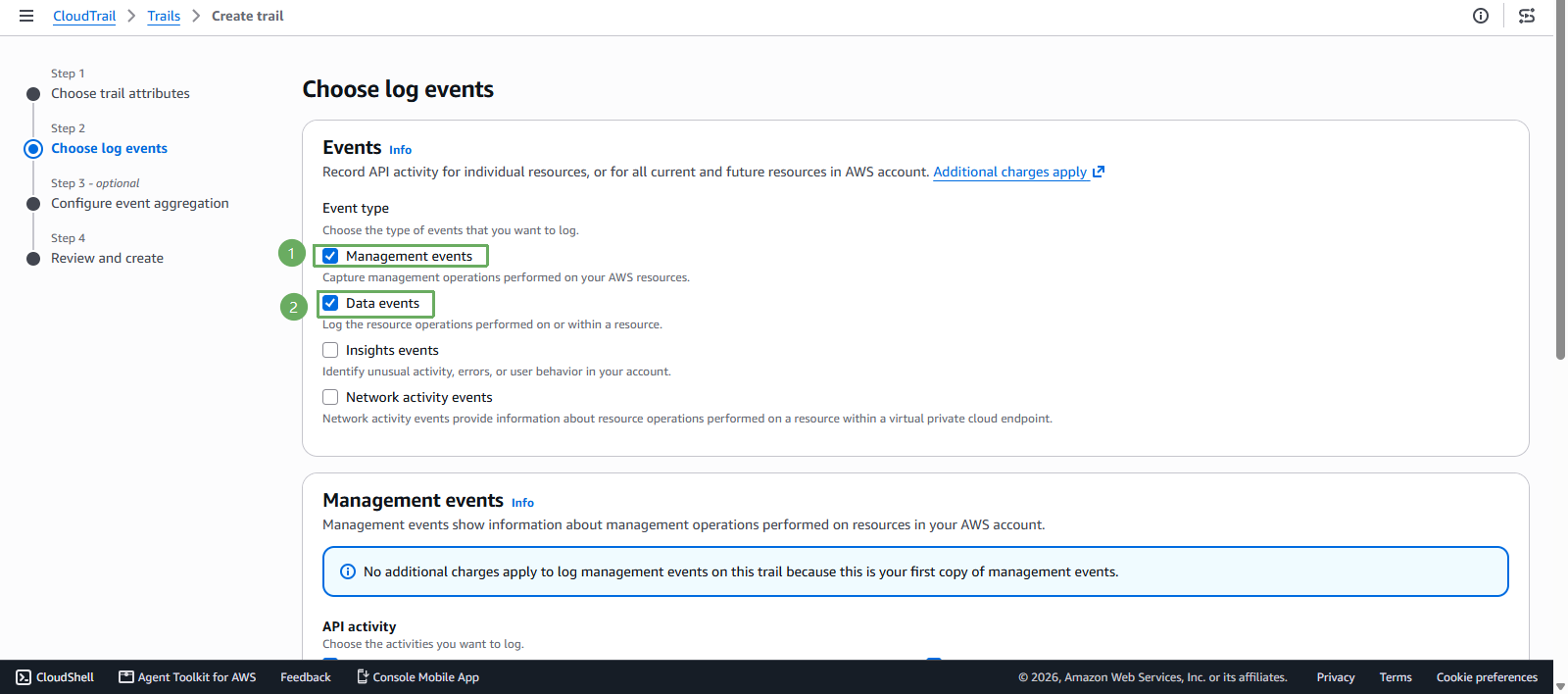
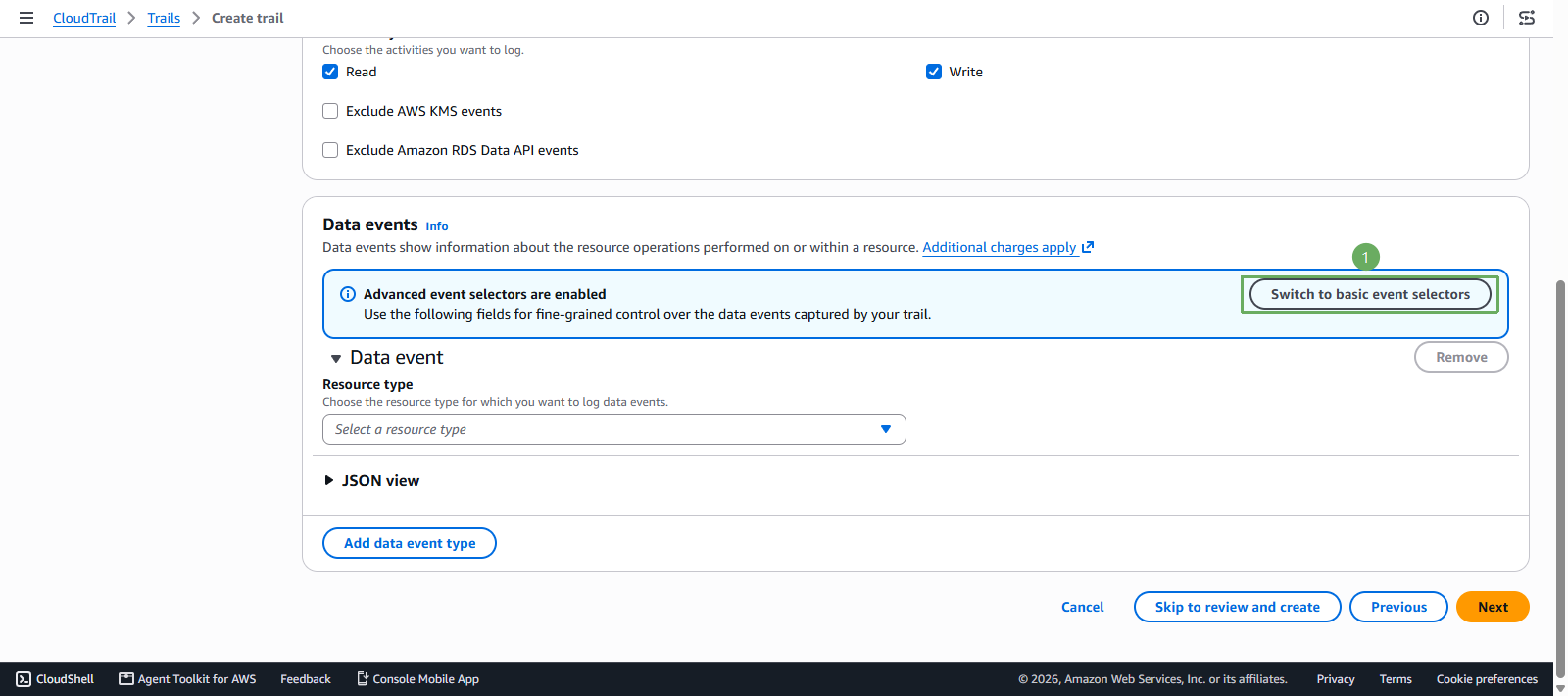
Next, scroll down to the Data events section
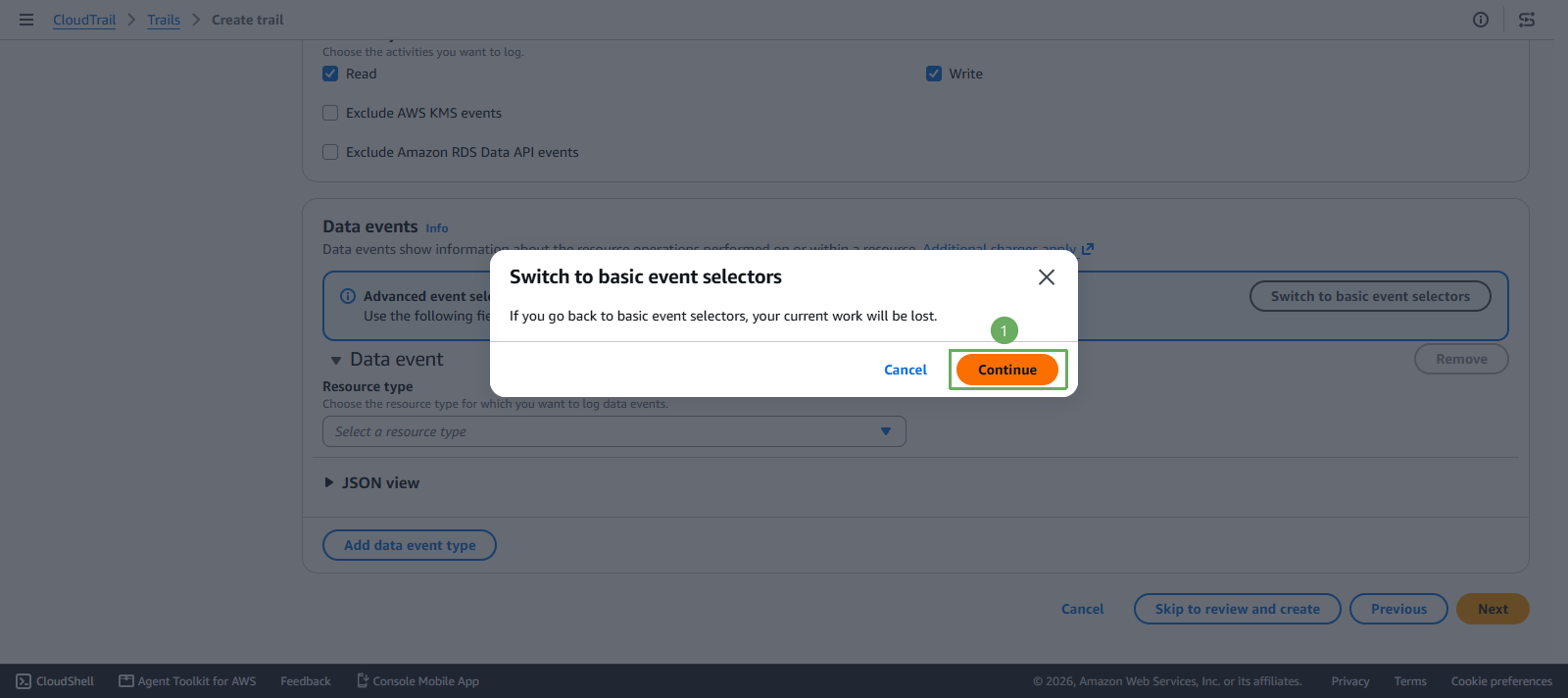
- Select Switch to basic event selectors to switch modes
- Next, press Continue
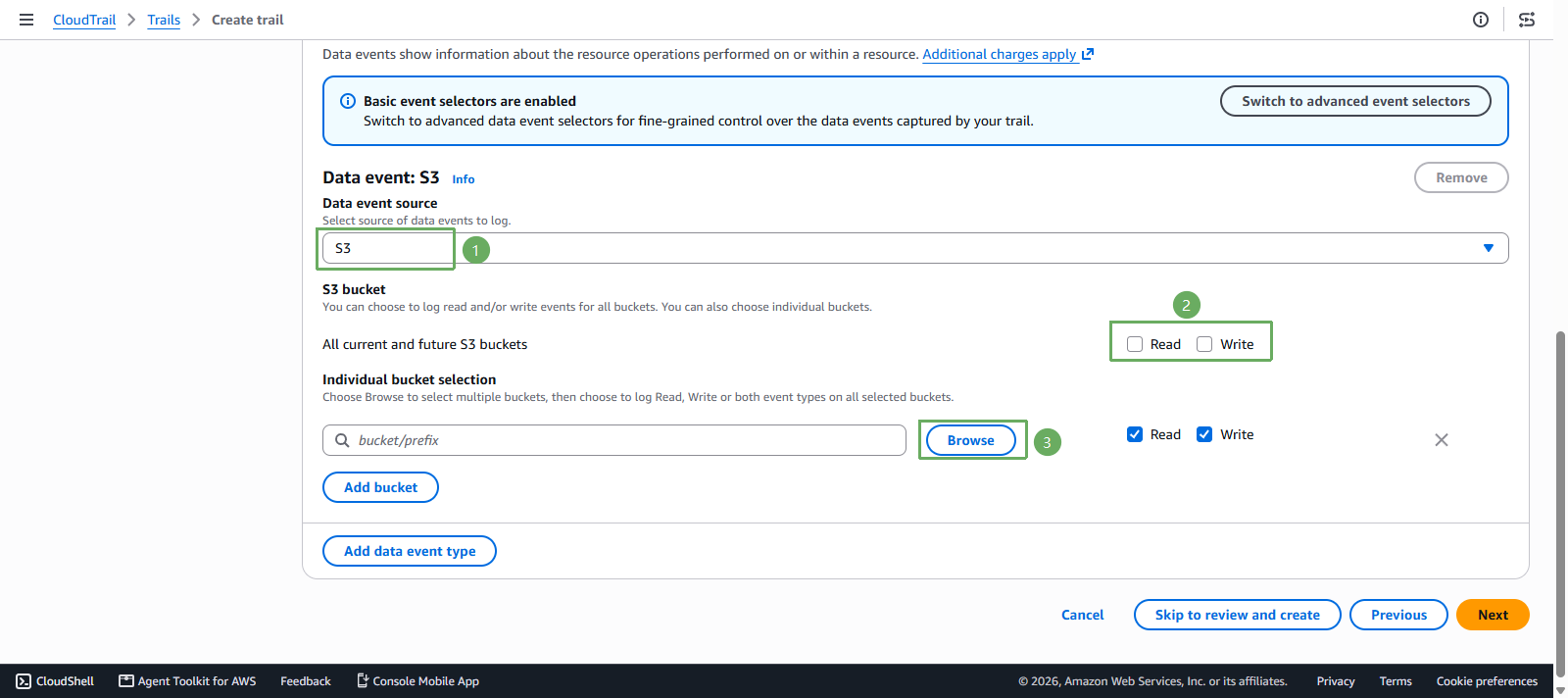
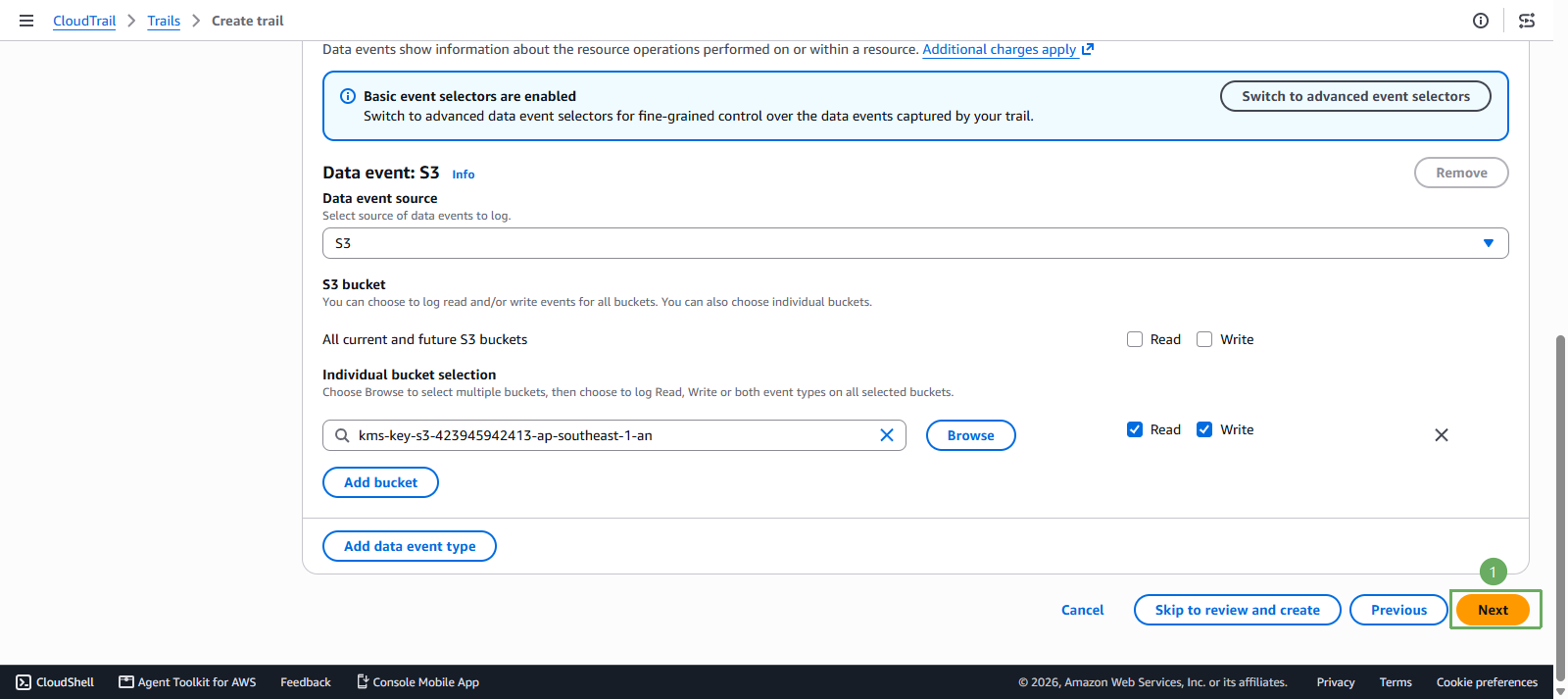
In the Data event: S3 section
- Data event source select S3
- In All current and future S3 buckets, leave Read and Write unchecked
- In Individual bucket selection, press Browse
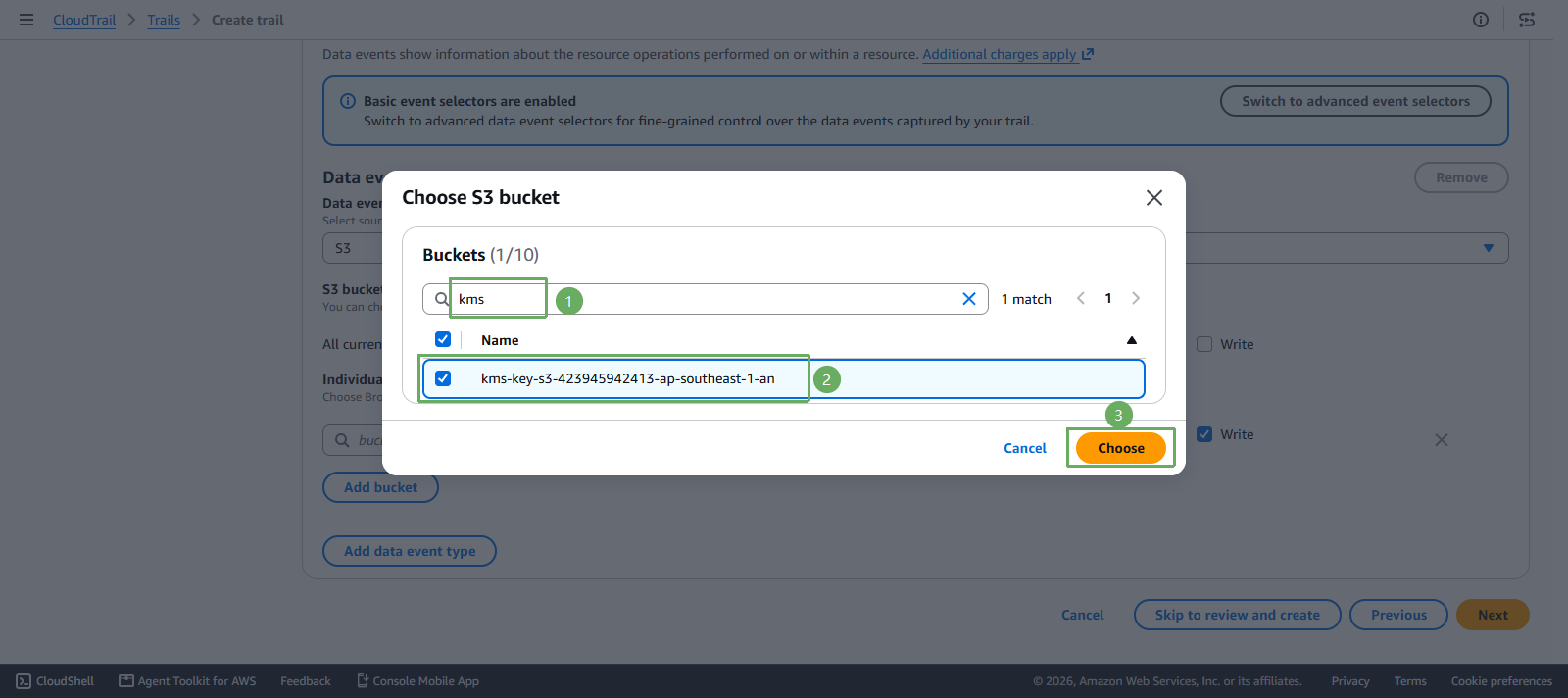
Next step
- Select
kms-key-s3-<account-id>-<region>-an - Confirm Read and Write are selected for that bucket
- Press Choose
- Select
- Next, press Next
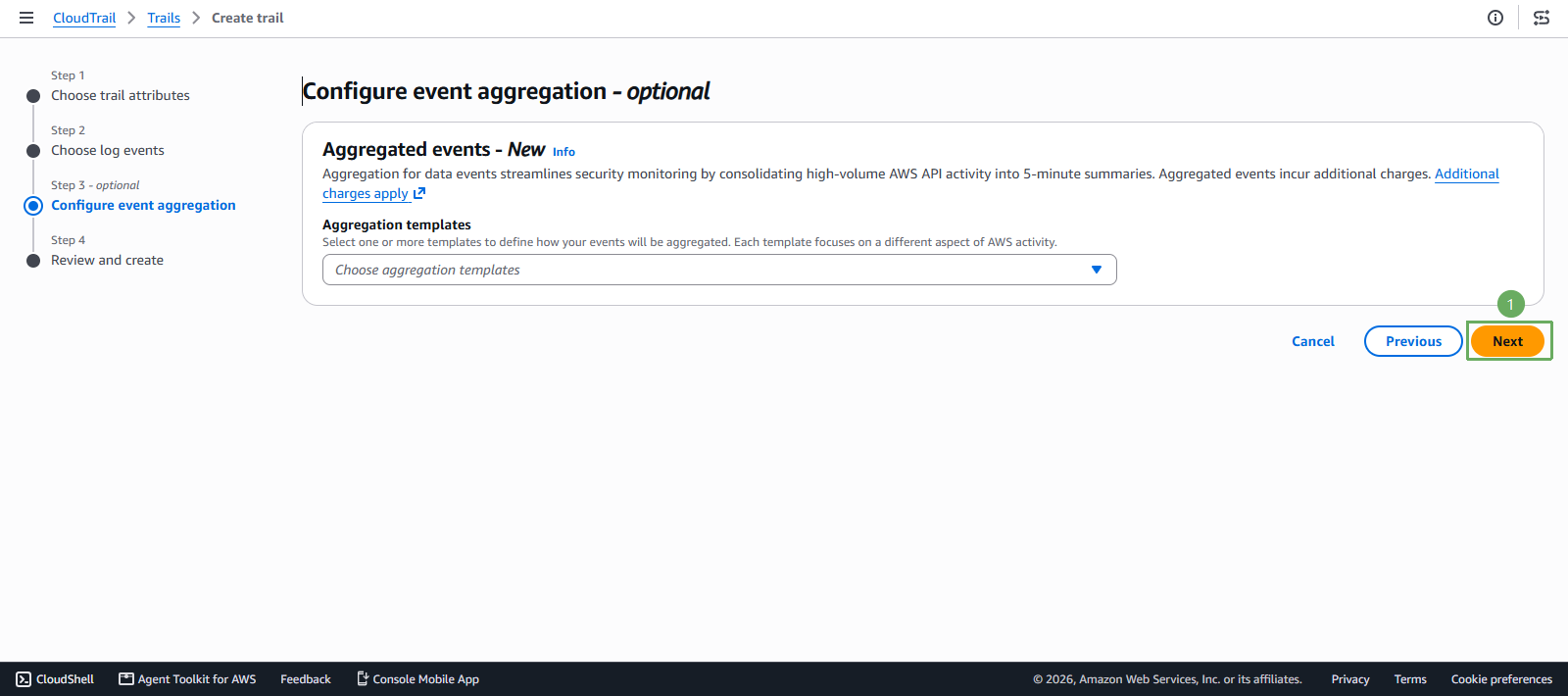
In Configure event aggregation - optional
- Leave Aggregation templates empty
- Select Next
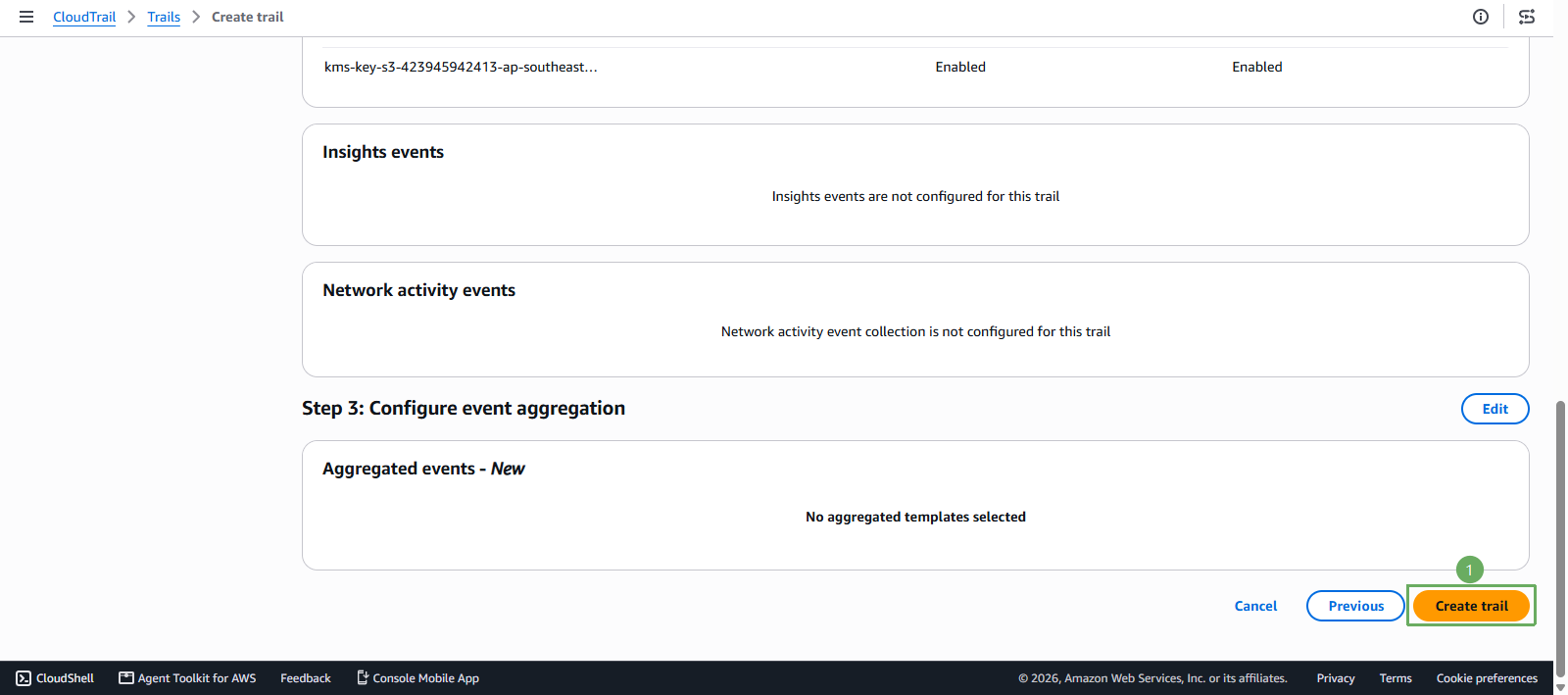
In Review and create
- Confirm No aggregated templates selected
- Select Create trail
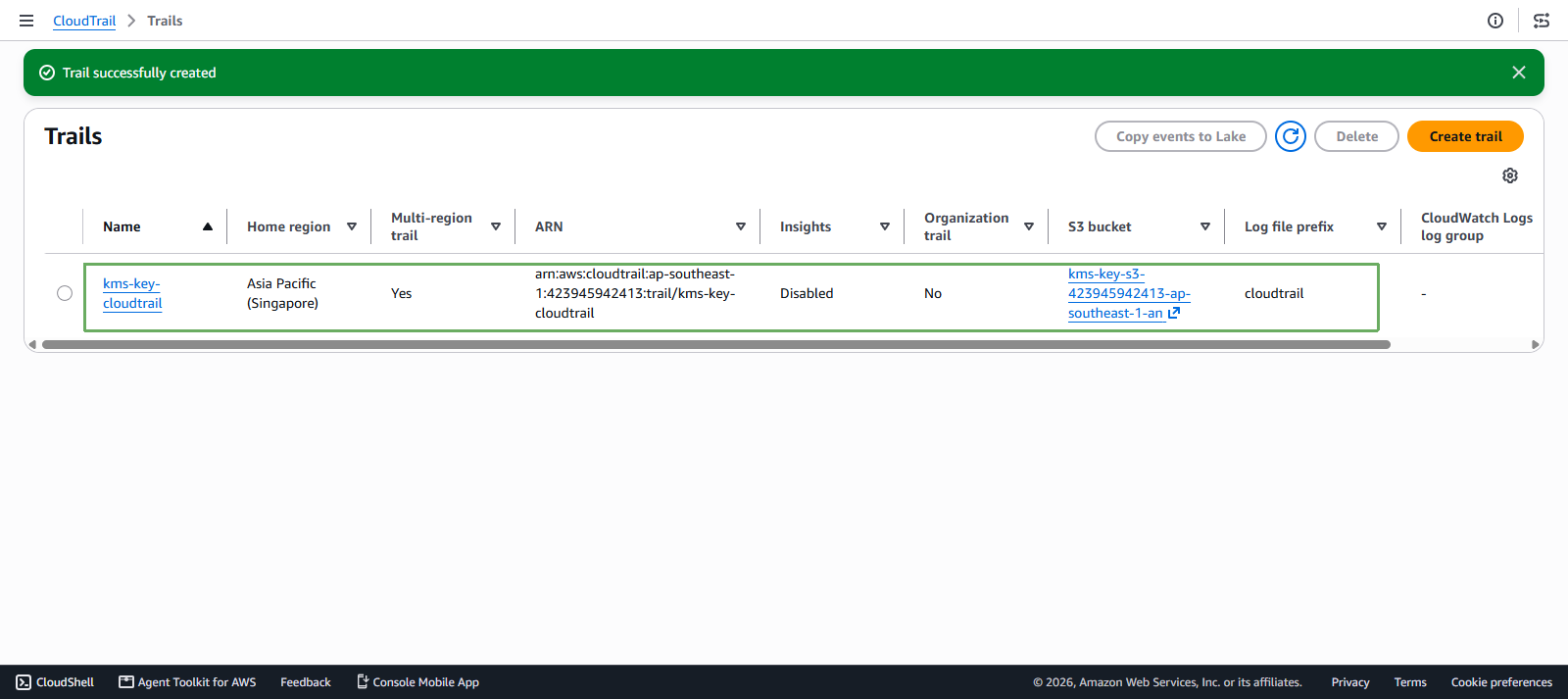
- Confirm the trail was created successfully
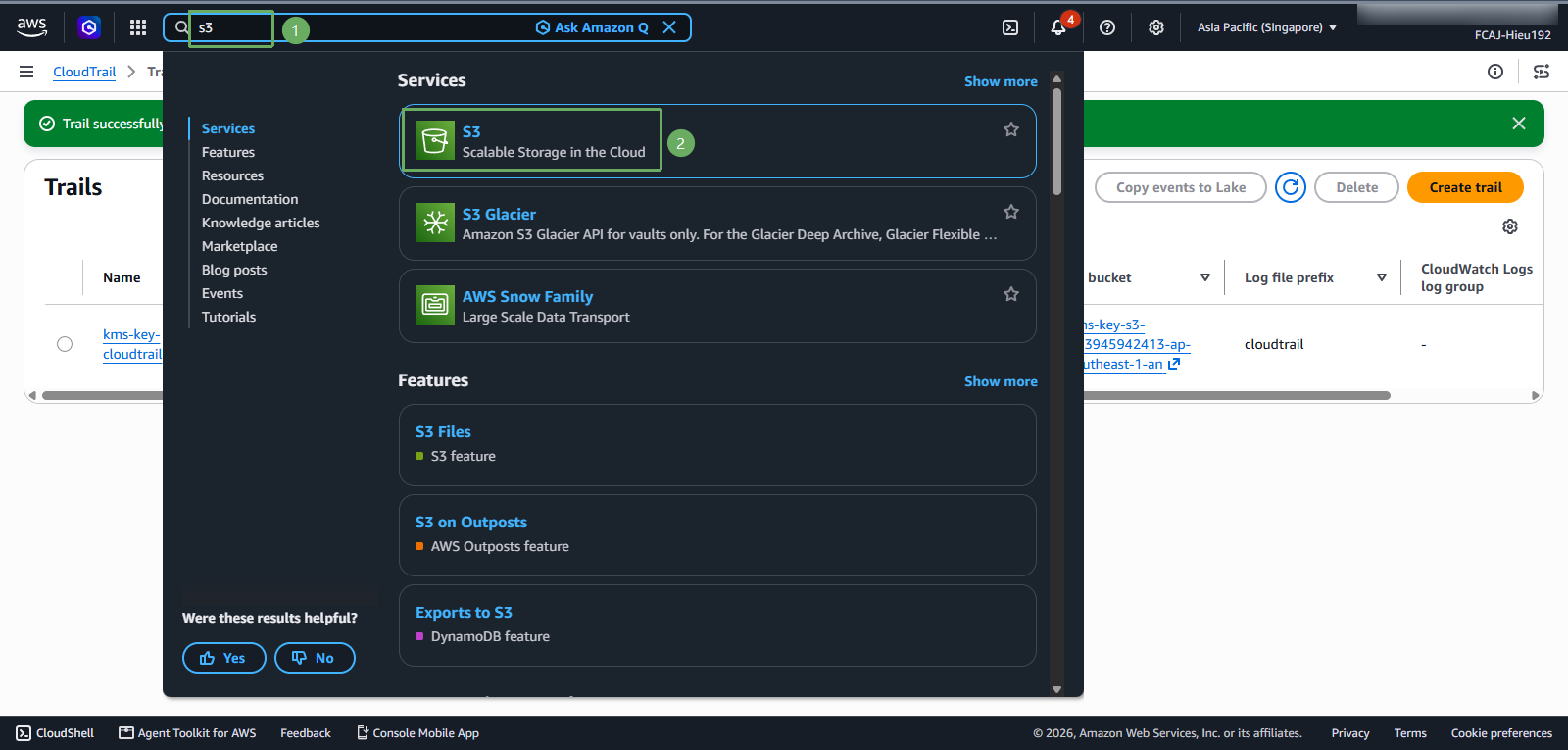
- Access S3 again
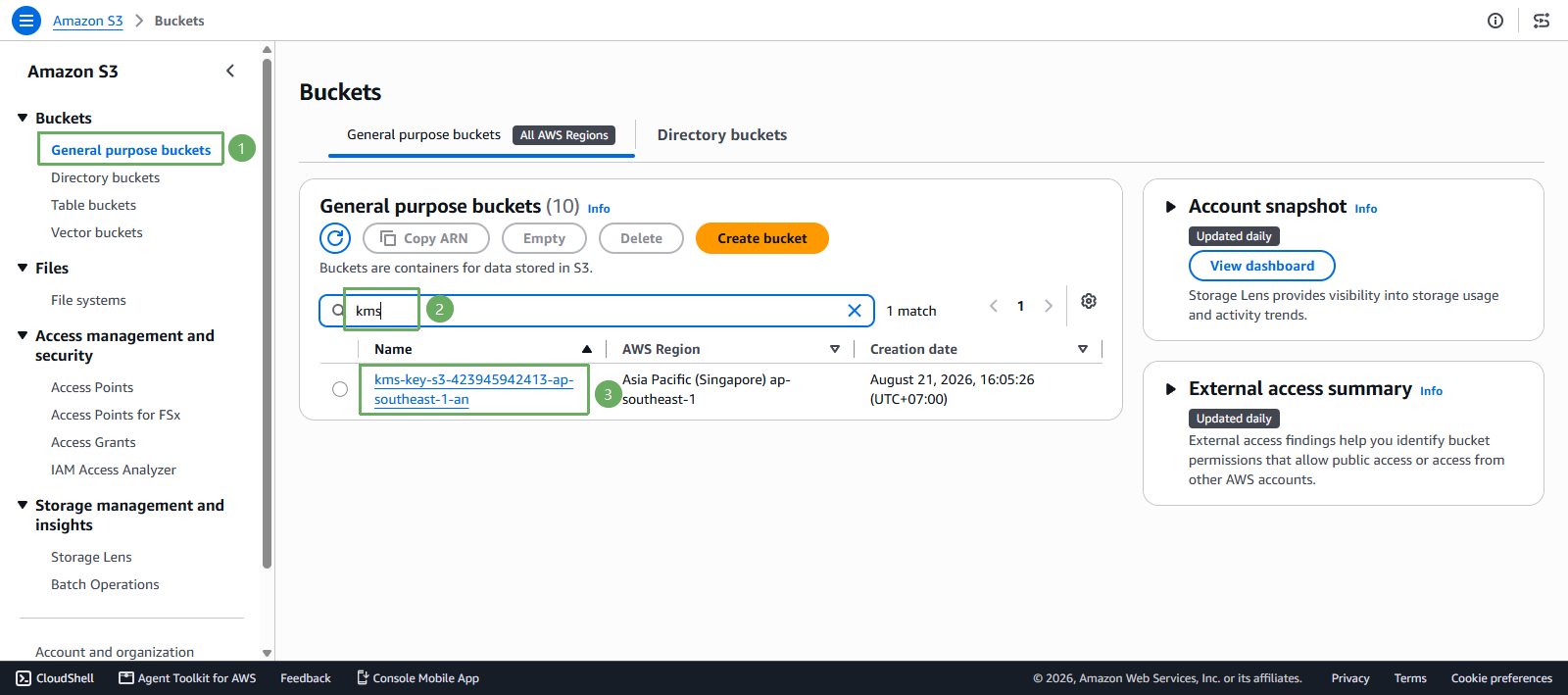
- Select Buckets, open General purpose buckets, and select
kms-key-s3-<account-id>-<region>-an
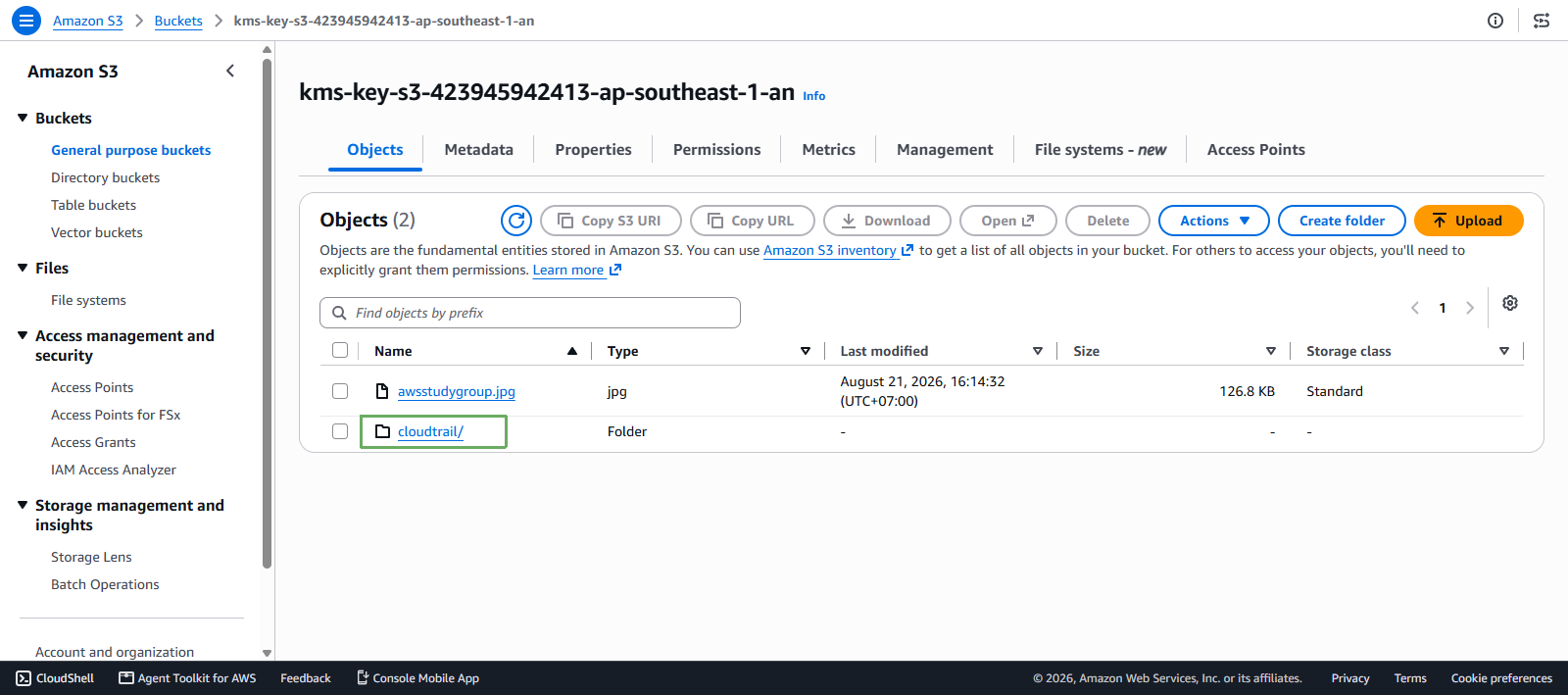
- In the Objects tab, verify that the cloudtrail/ folder was created. This folder stores the trail logs, including the S3 data events recorded for
kms-key-s3-<account-id>-<region>-an