Create Group and User
Create Group
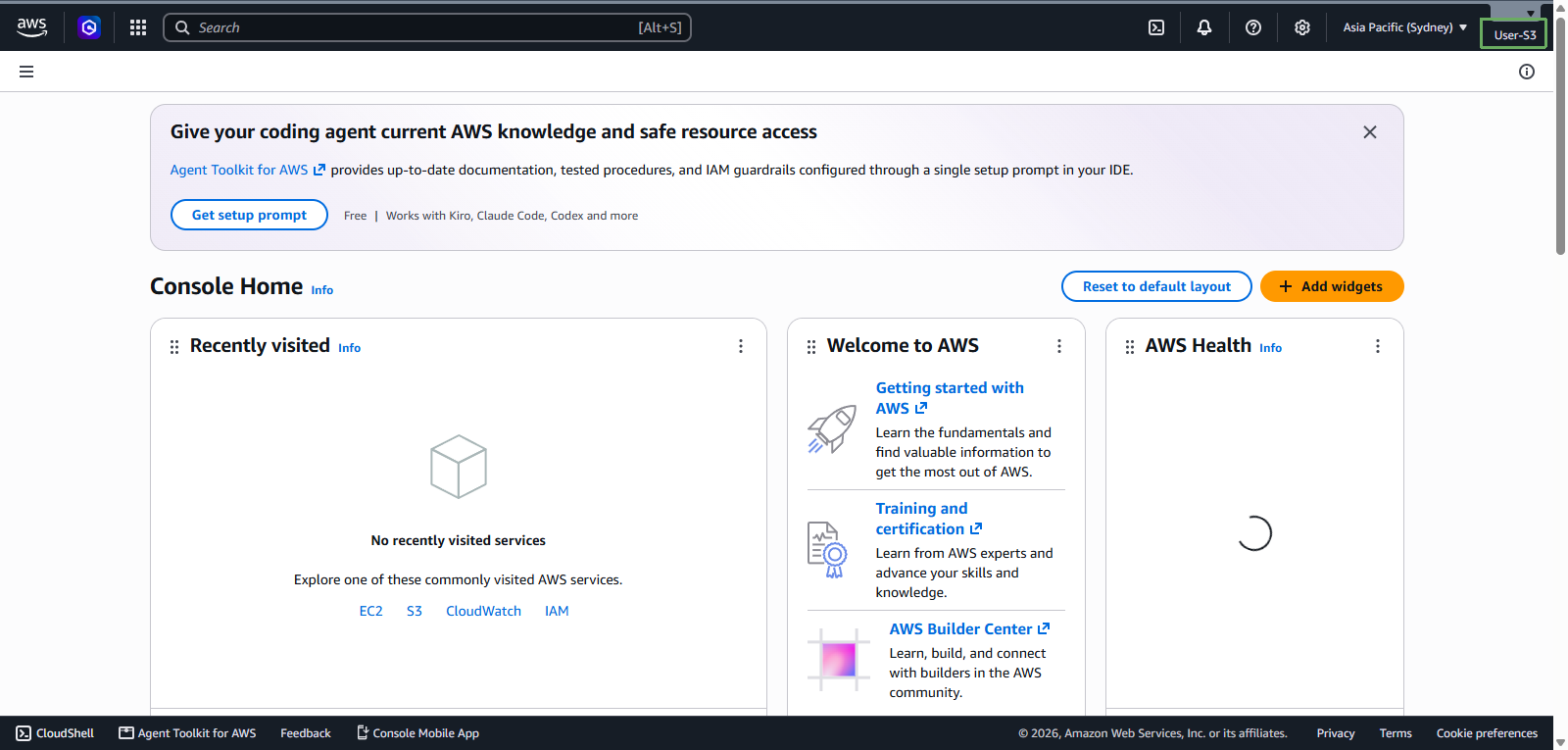
Access AWS Management Console
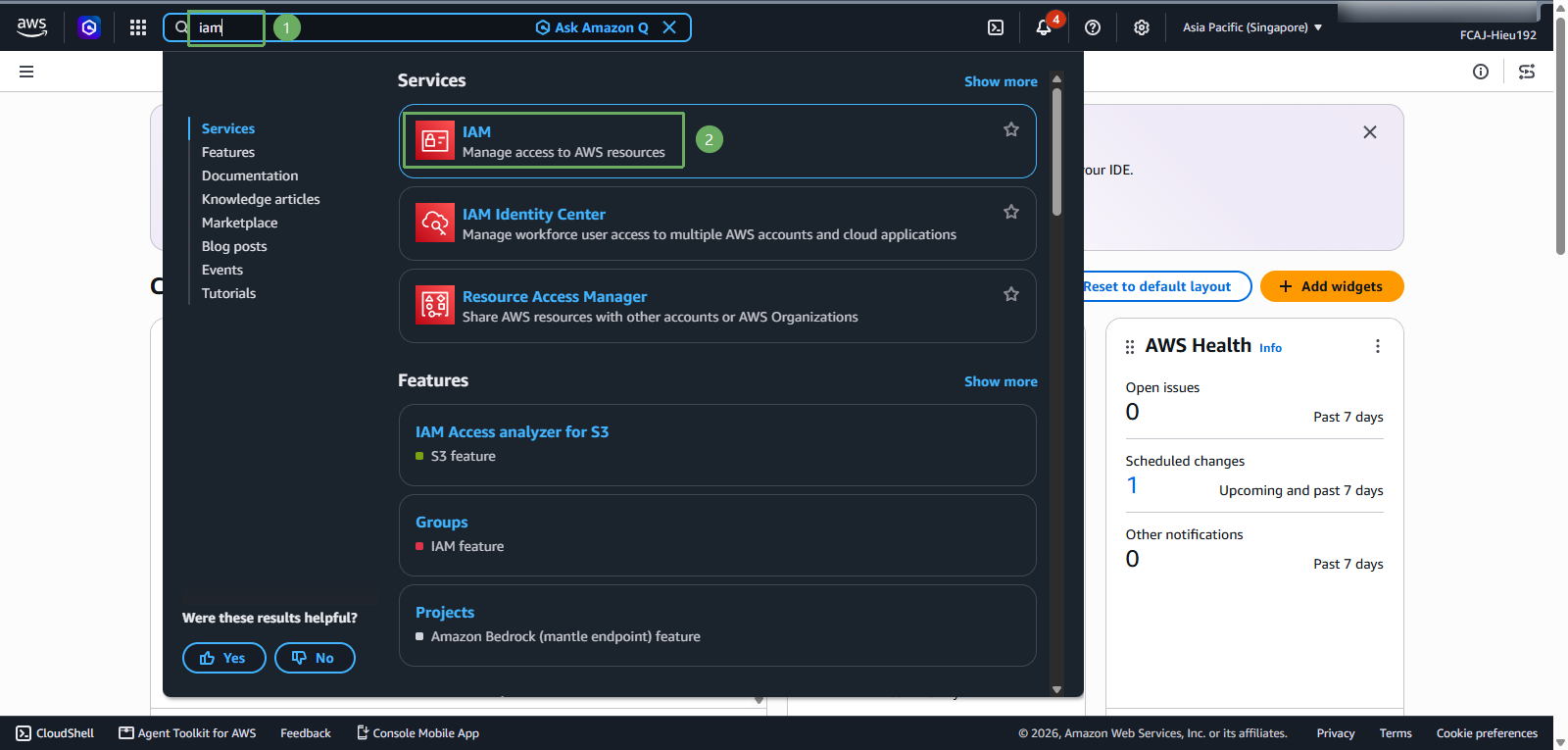
- Find IAM
- Select IAM
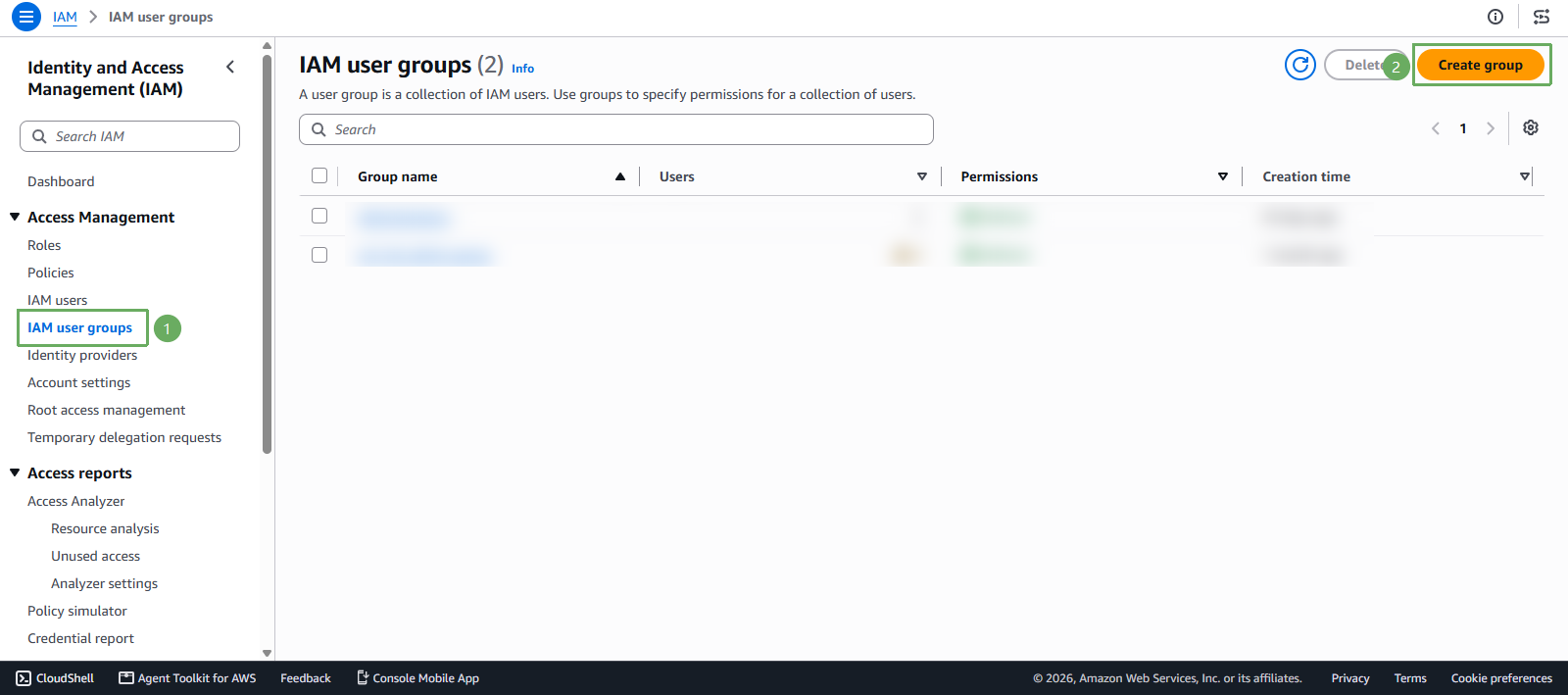
In the IAM interface
- Select User groups
- Select Create group
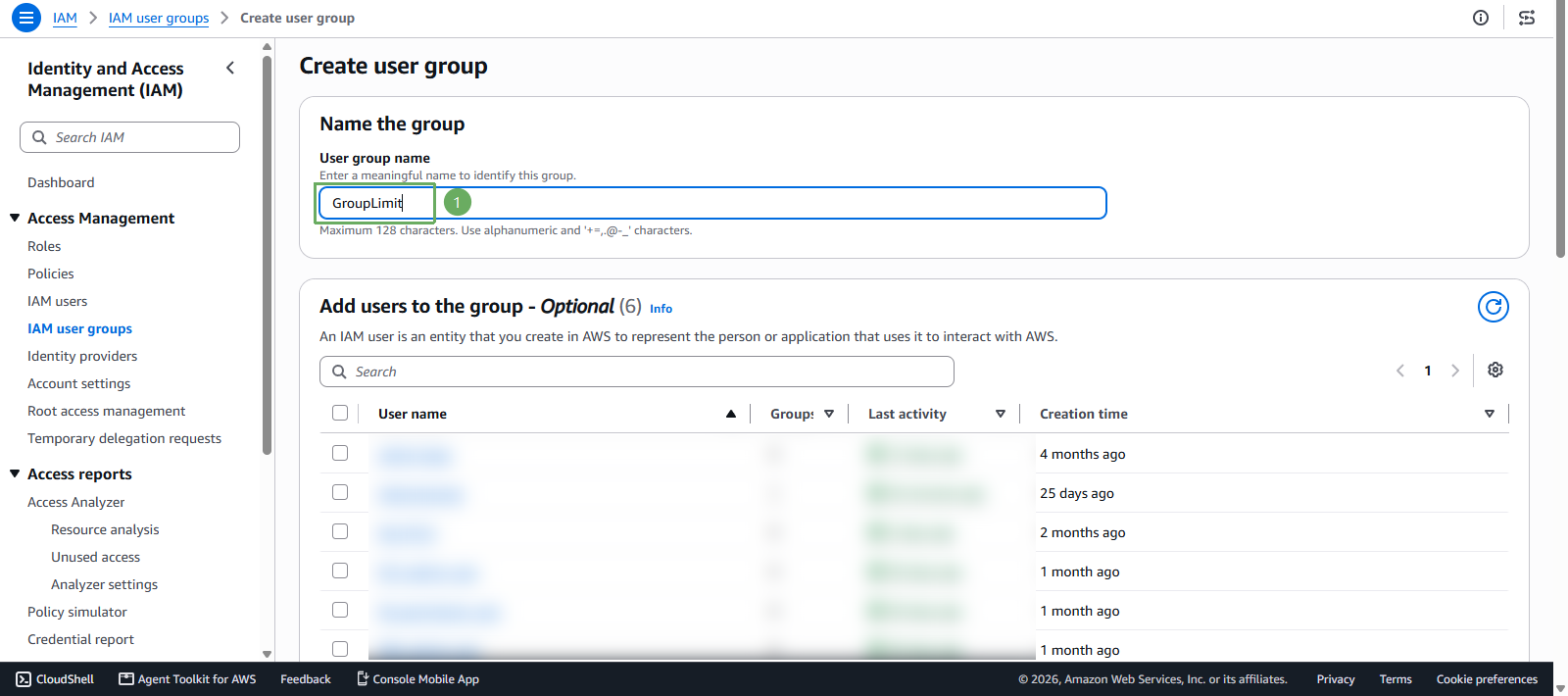
- In the Create user group section
You can choose a different name if you like!
- User group name enter
GroupLimit
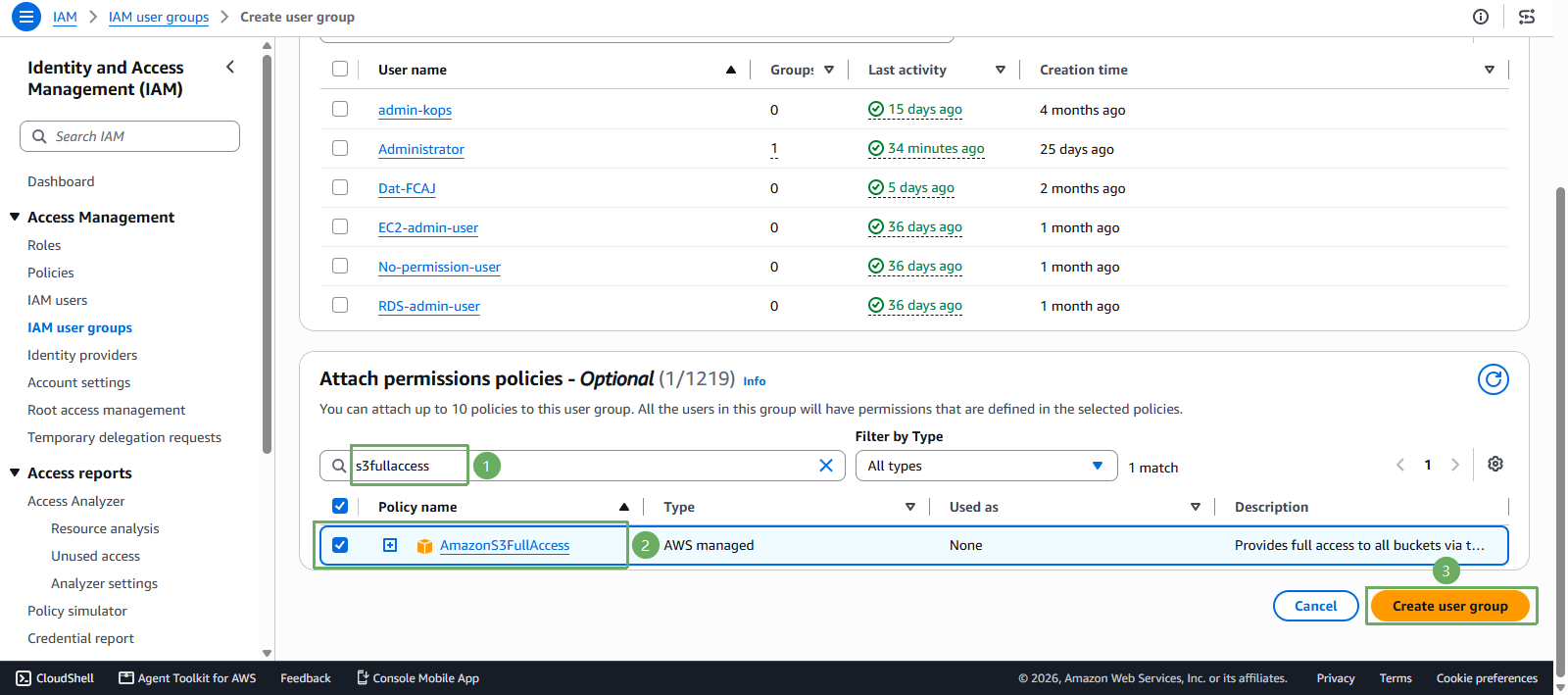
Scroll down to the Attach permissions policies section
- Click the search bar and search for s3fullaccess
- Select AmazonS3FullAccess
- Press Create user group
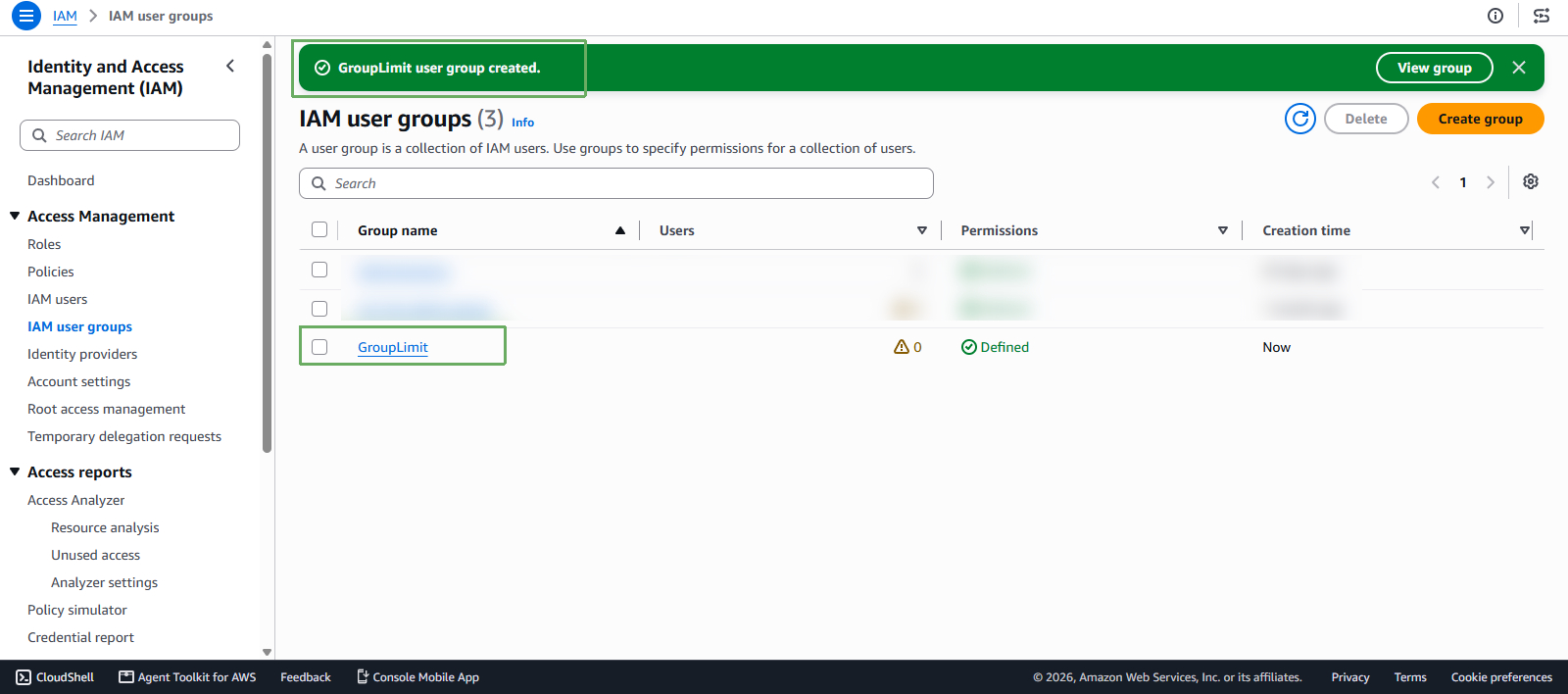
- Notification of successful creation
Next, we create a User
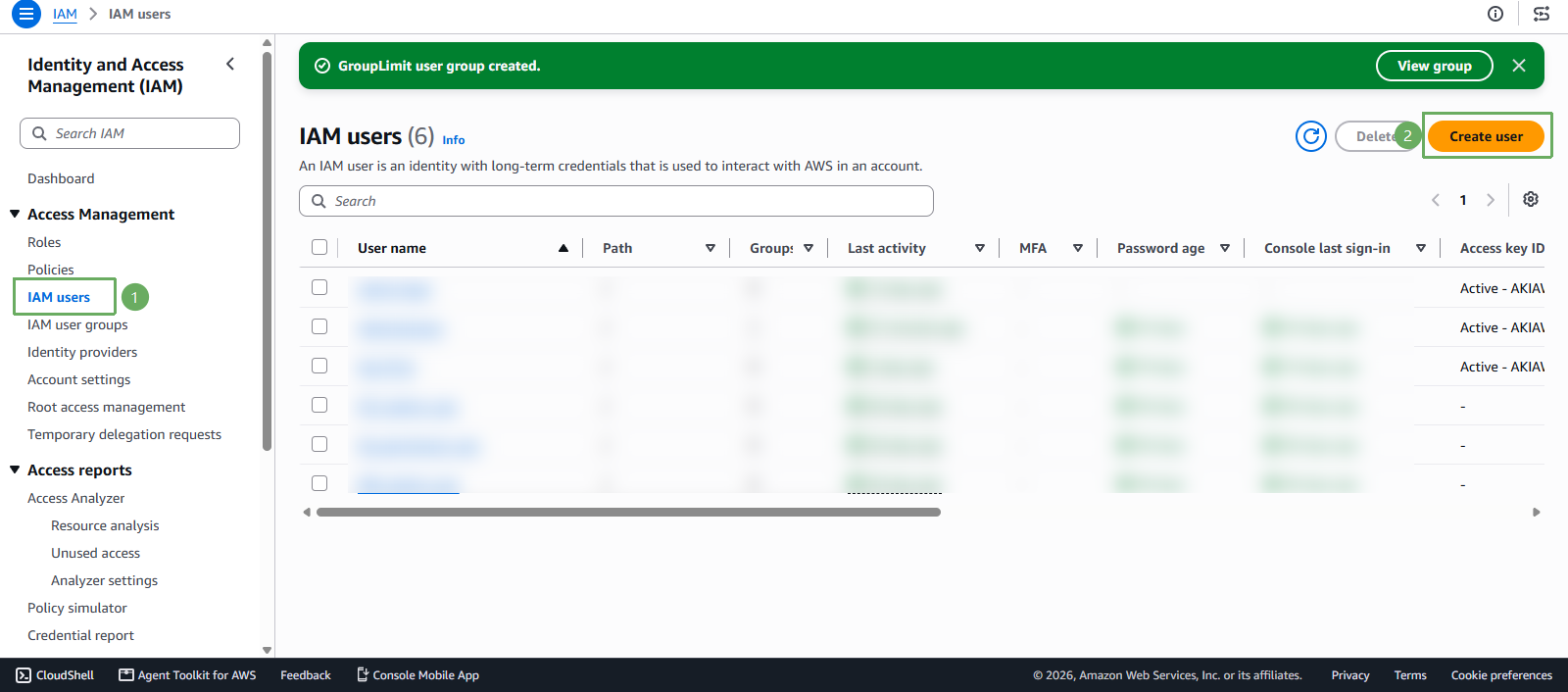
In the IAM interface
- Select Users
- Select Create user
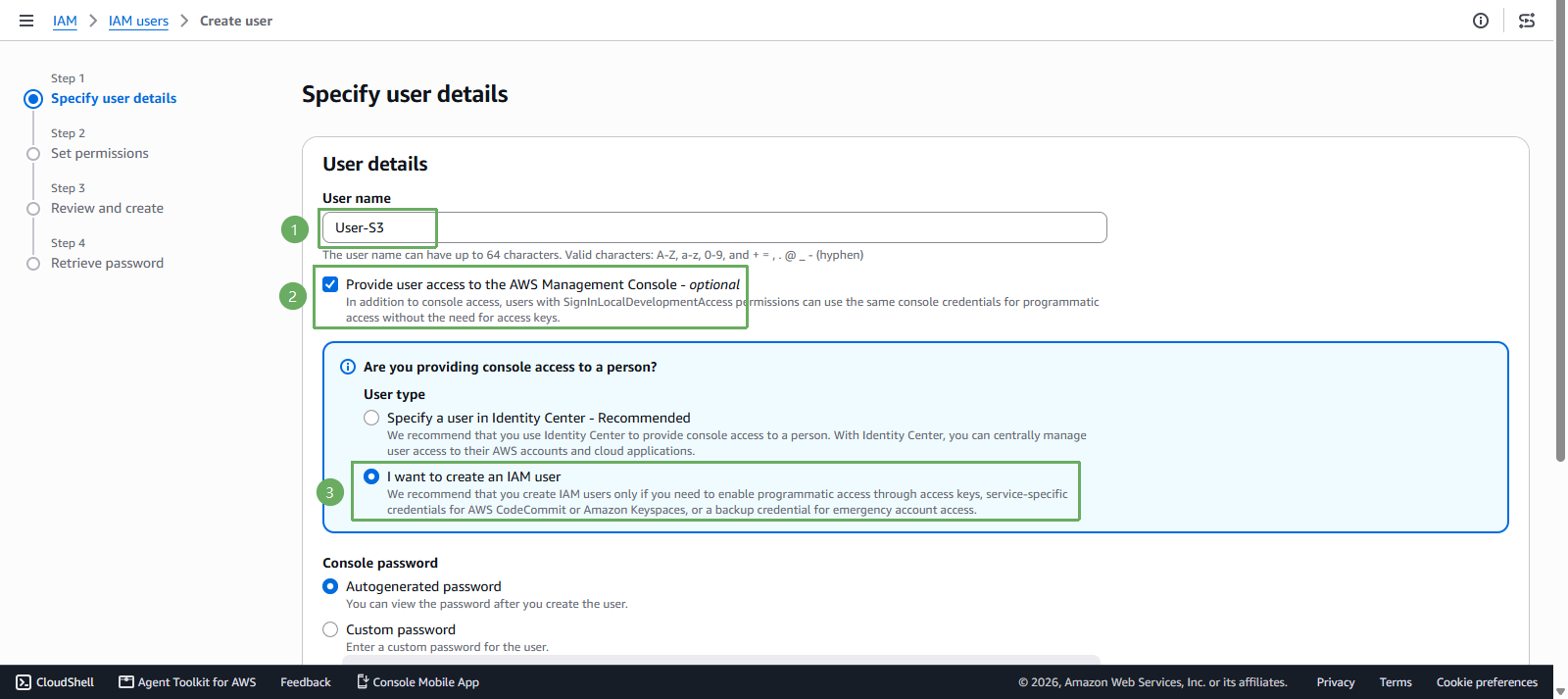
- In the Specify user details section
You can choose a different name if you like!
- User name enter
User-S3 - Select Provide user access to the AWS Management Console
- Select I want to create an IAM user
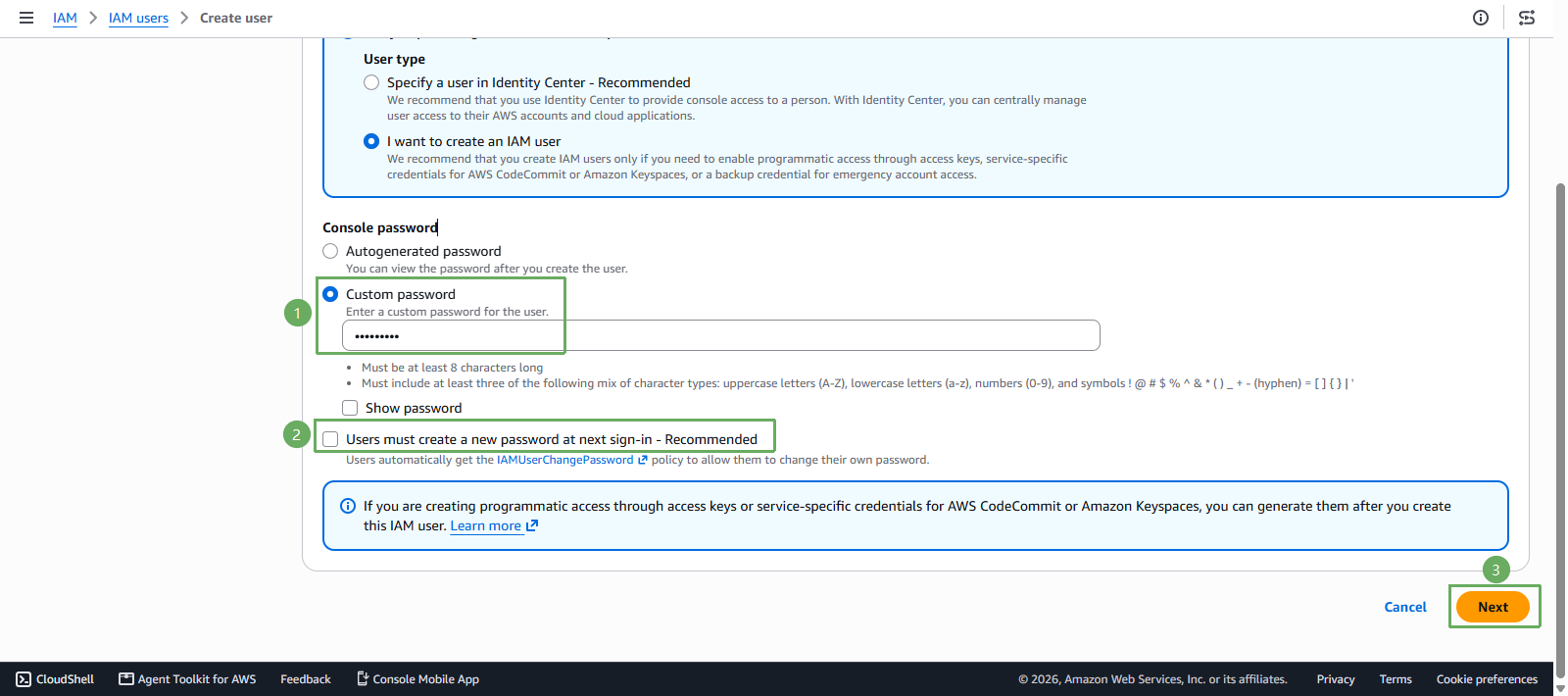
Scroll down to the Console password section
- Enter Your password
- Uncheck Users must create a new password at next sign-in (You will not need to change the password the first time you sign in)
- Press Next
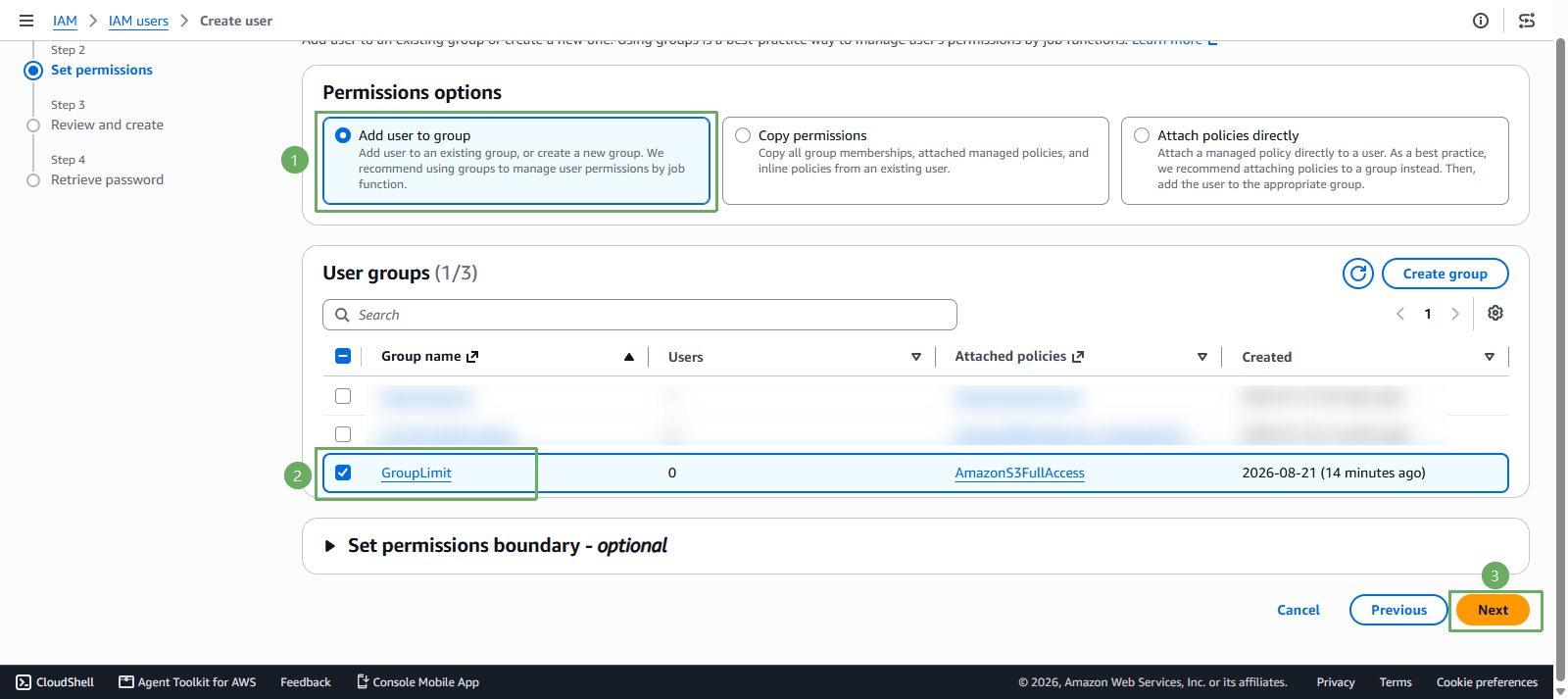
In the Permissions options section
- Select Add user to group
- Select the newly created GroupLimit
- Press Next
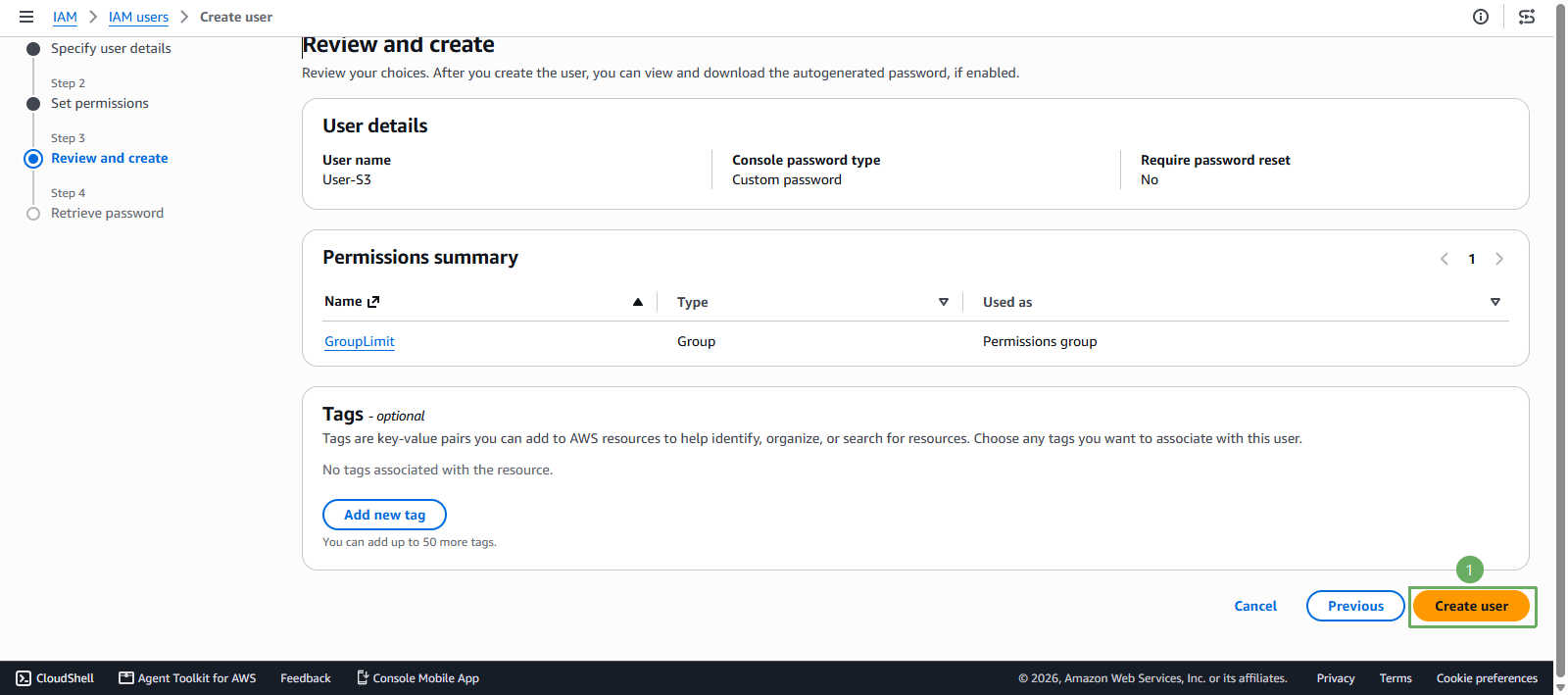
- Scroll down and press Create user
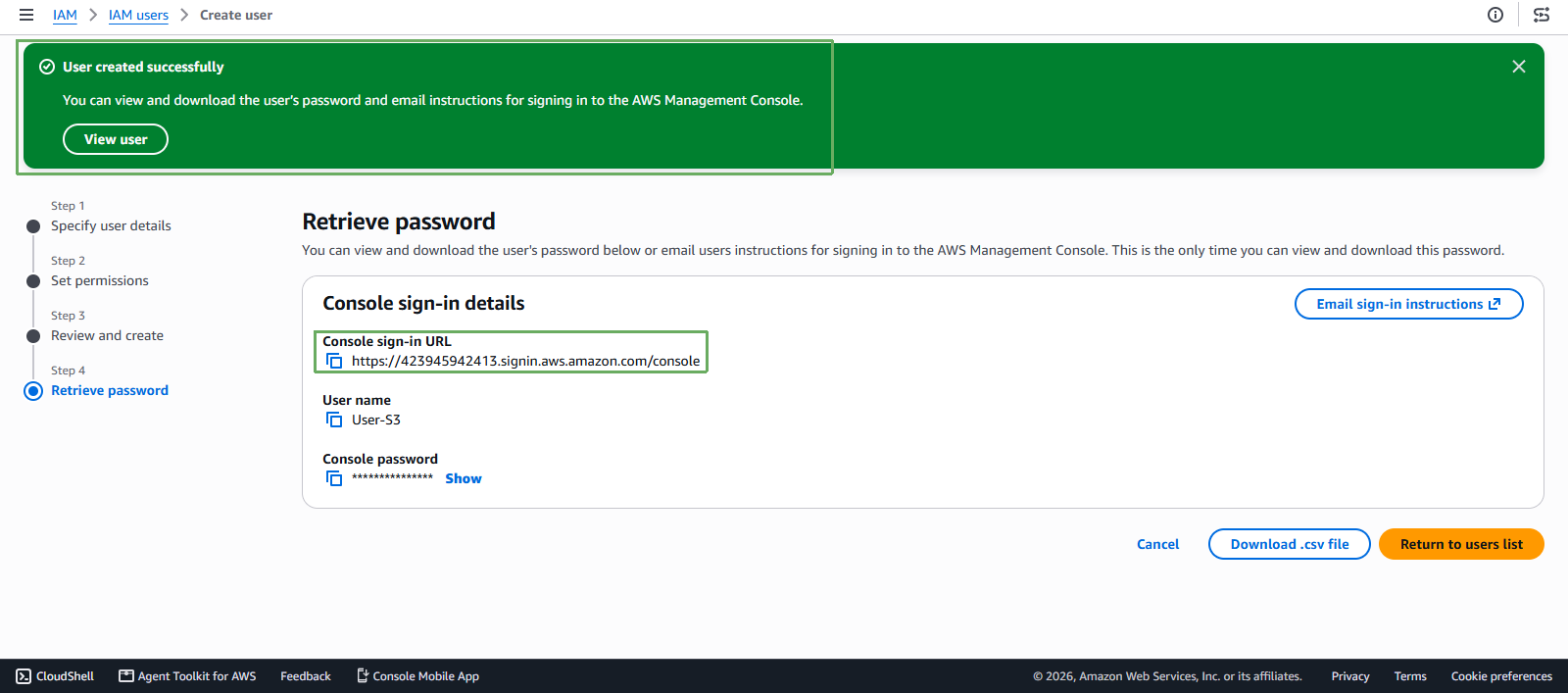
- Notification of successful creation
- After successful creation, copy the link, open an incognito window or a new browser, and paste it
- Sign in with the information you just created
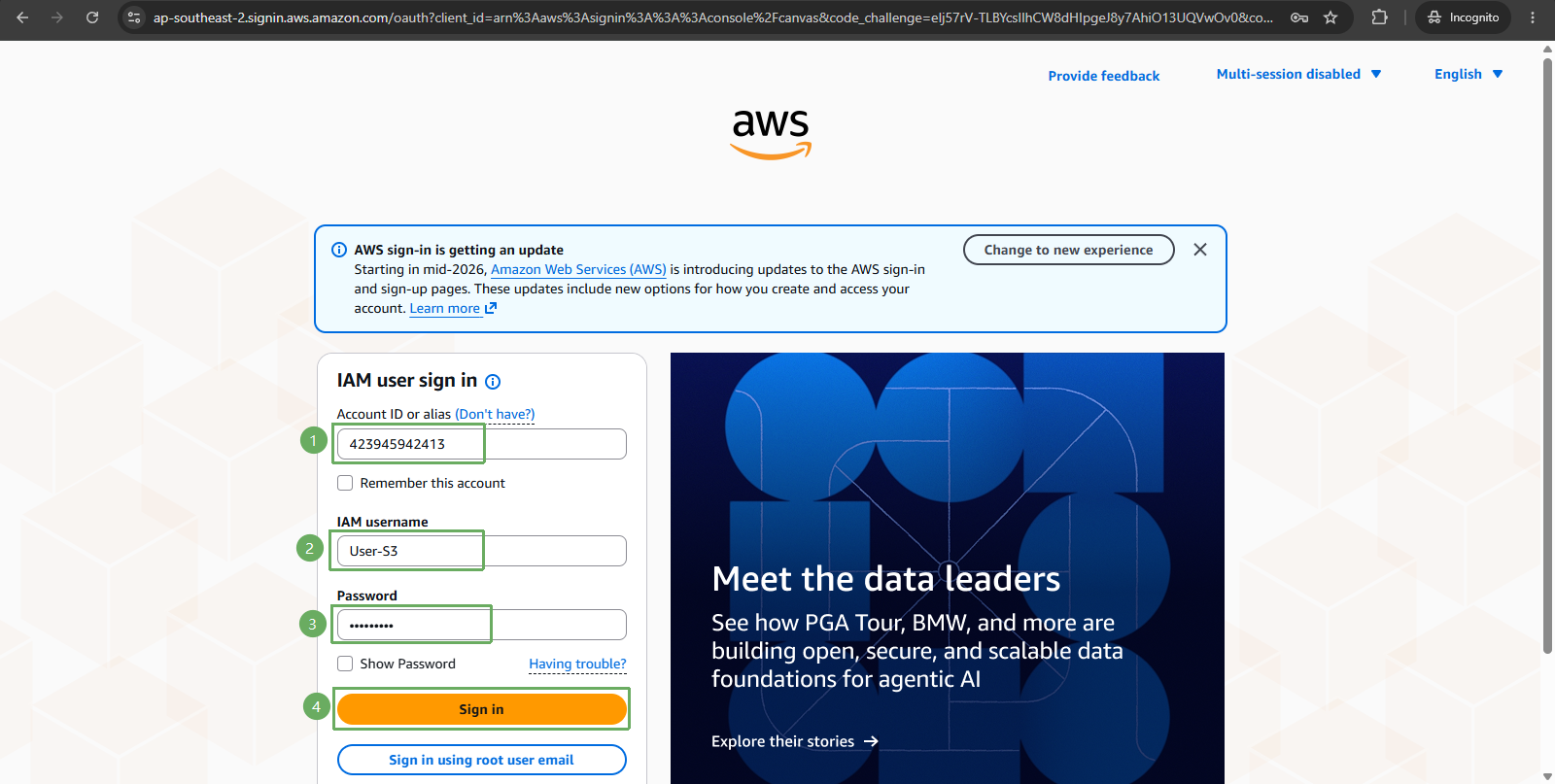
- Successfully signed in to User-S3